Automationswhen this happens, do that.
Automations do work for you in a Wakato space when something happens, such as making a task when a form is sent or texting a customer when an order ships. You pick what starts it and the steps that follow. Automations are part of every space; steps that send messages or use AI are charged to the space's wallet like any other use.
An automation is a rule for your space: when something happens, Wakato does a set of steps. A form is sent, so a task is made. An order is paid, so the buyer gets a message and a tag. A booking is in two days, so a reminder goes out. You build it once and it runs every time, even while you sleep.
How it works
The trigger. Every automation starts with one trigger. Triggers are grouped by area (forms, contacts, tables, tasks, commerce, mail, meetings, communities, pass cards, agents and more) and you can search them by name. Most triggers let you narrow them, for example Form submitted for one form only, or an order of one listing.
Time triggers. When a date arrives fires once per item when a date you pick, plus an offset, is reached. The date can come from a task due date, a project deadline, a calendar event, a booking, a meeting, a community event, a table's date column, a contact date field or birthday, an invoice due date, a bill due date, a job date or a domain expiry. "Two days before each booking" or "on every customer's birthday" are both this trigger.
Steps. After the trigger, press + to add steps: create a task, send an email or text, tag a contact, add a table row, message an agent, wait, and many more. Steps can use details from the trigger, such as the person's name. In a step's text, the button puts these details in for you.
Branching. A Condition step splits the automation into branches, so different things happen depending on the details. For example, a large order can notify you while a small one only gets a thank-you.
Who did it. Every event carries the person it is about, names instead of bare IDs, and who caused it: a person, an agent or another automation. You can filter on that, for example only run when a person, not an agent, changed something.
Runs. Each automation keeps a history of its runs. If a step fails, the run says so. You can also add an automation on the An automation failed trigger to be told when another one breaks.
Do it: make a task when a form is sent
Start a new automation
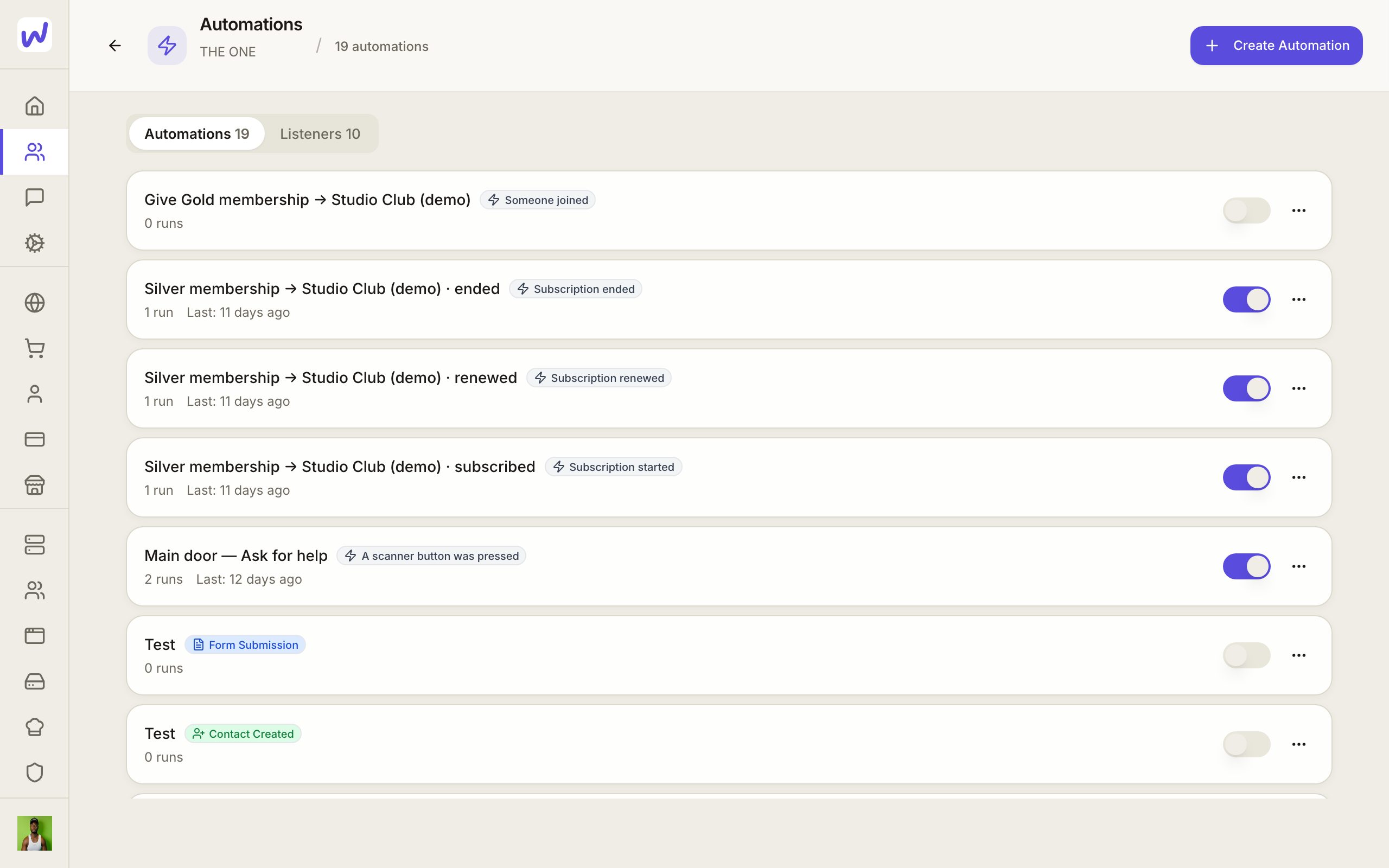
Open the trigger
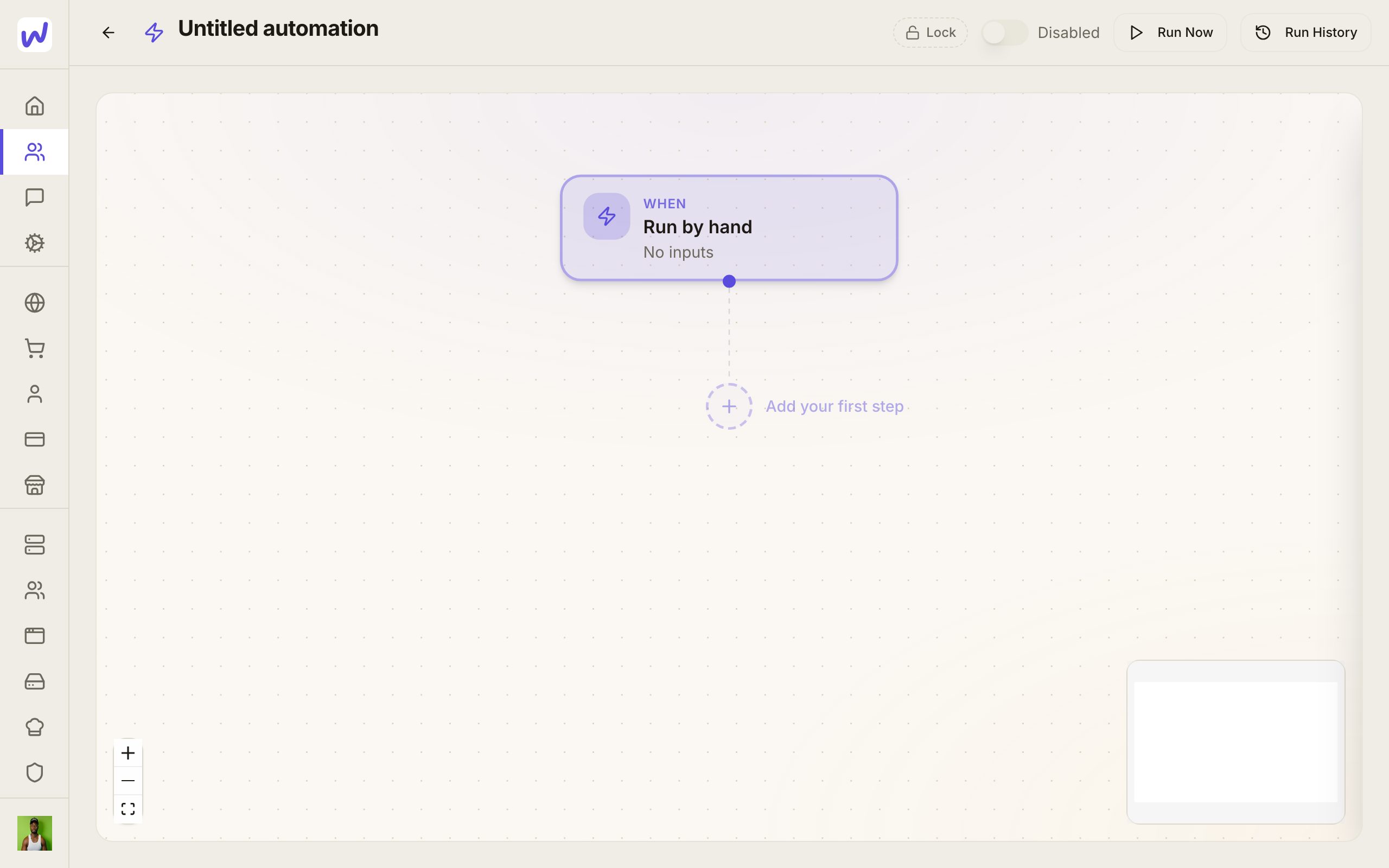
Change the trigger
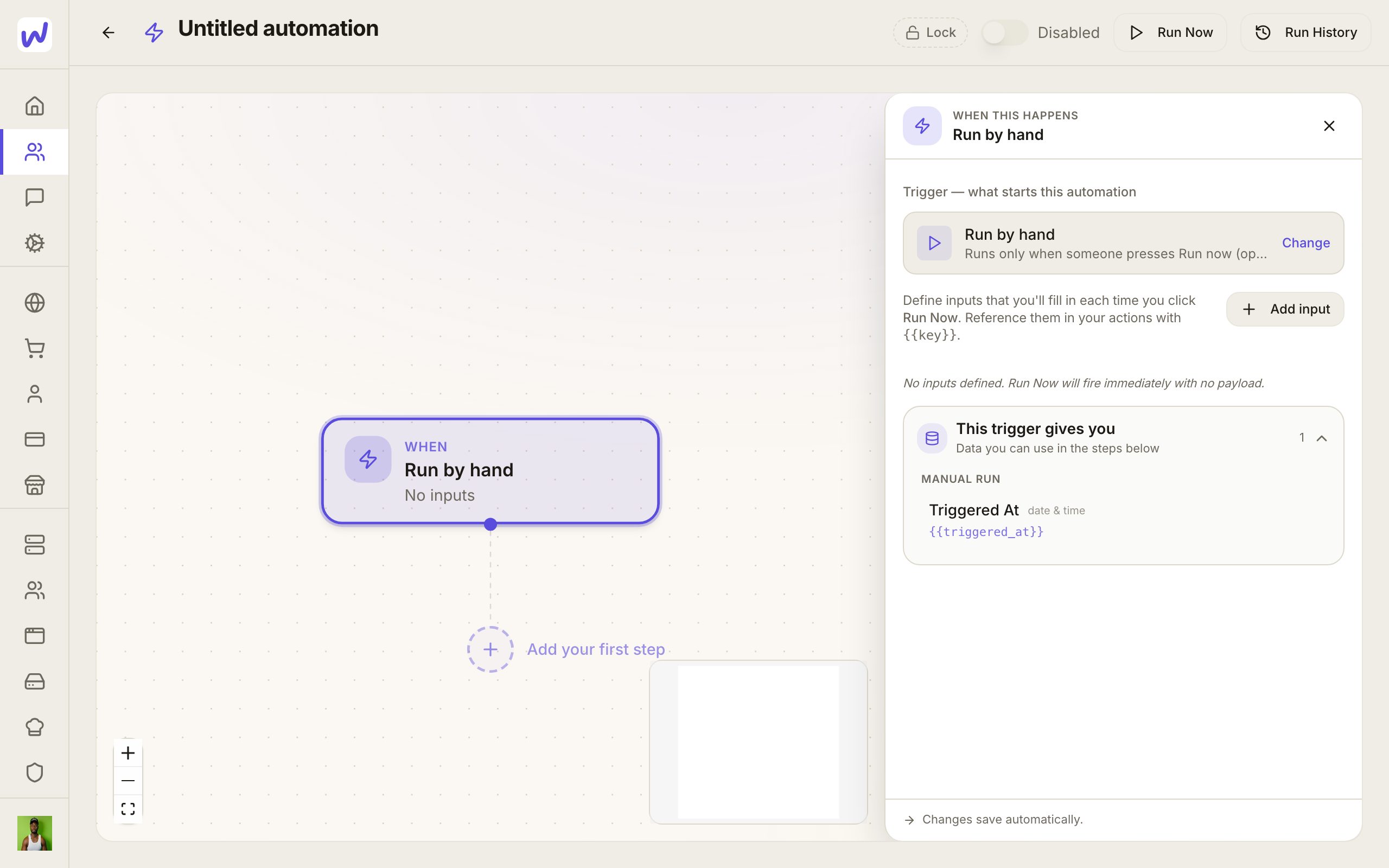
Search
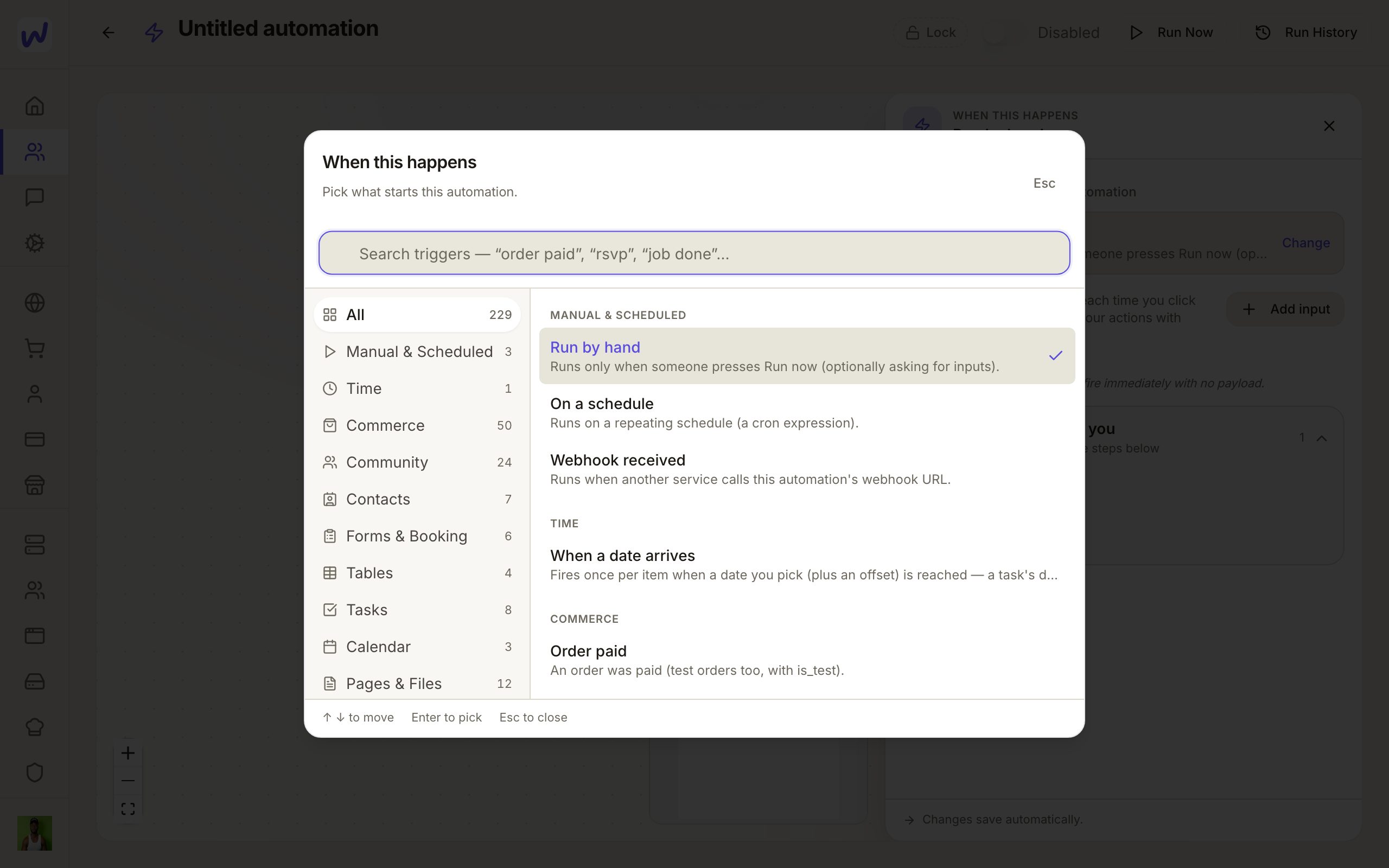
Pick Form submitted
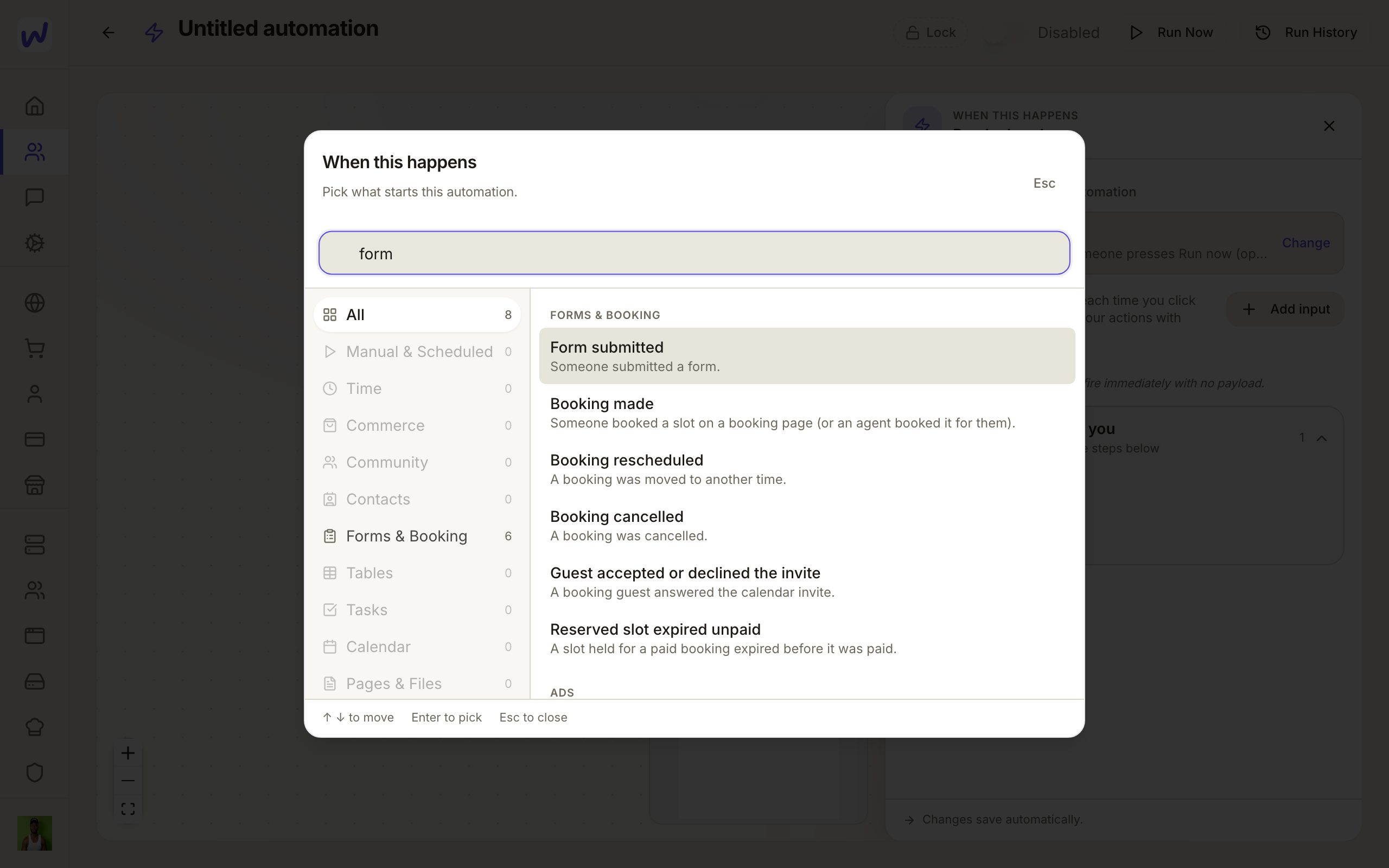
Add the first step
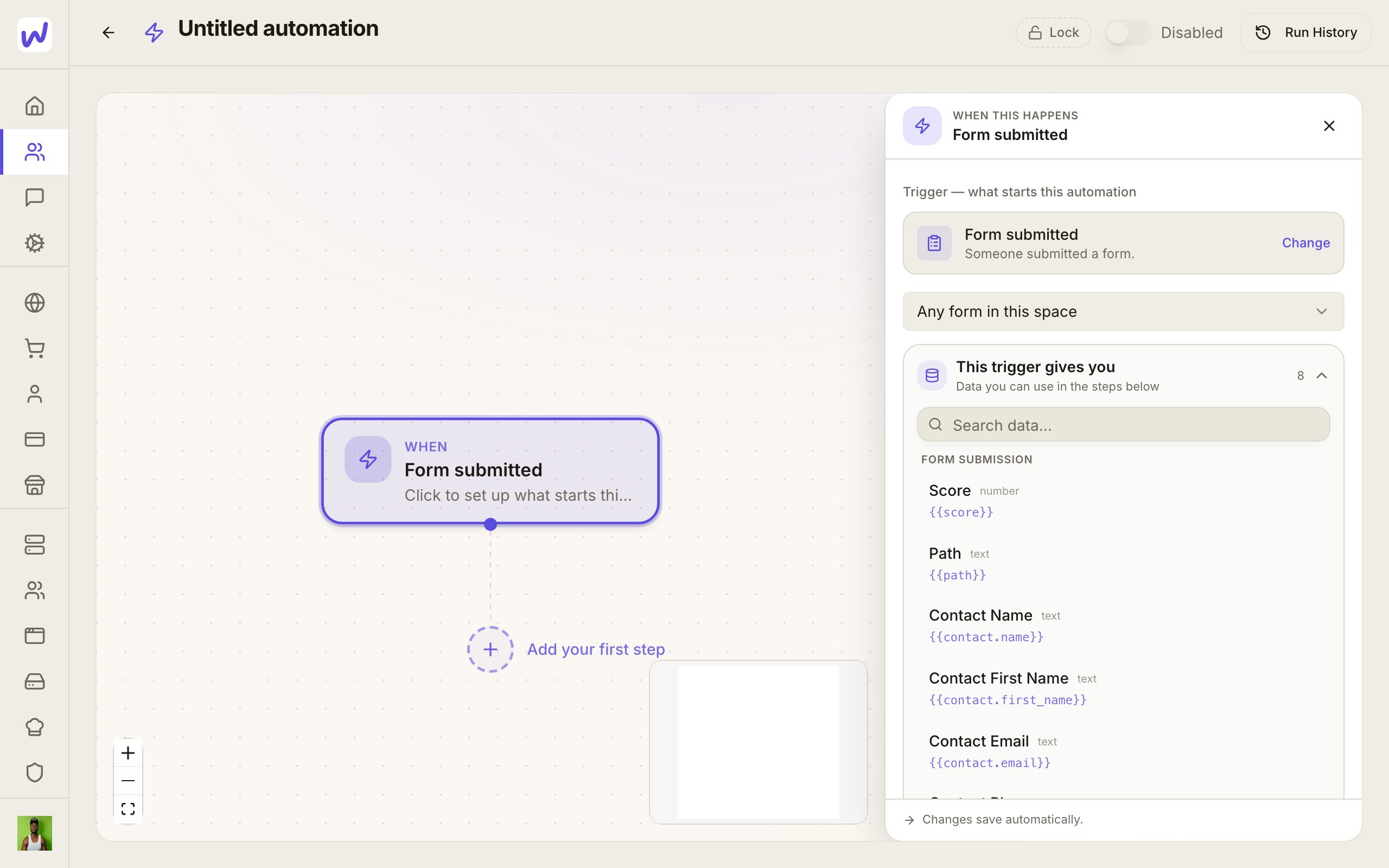
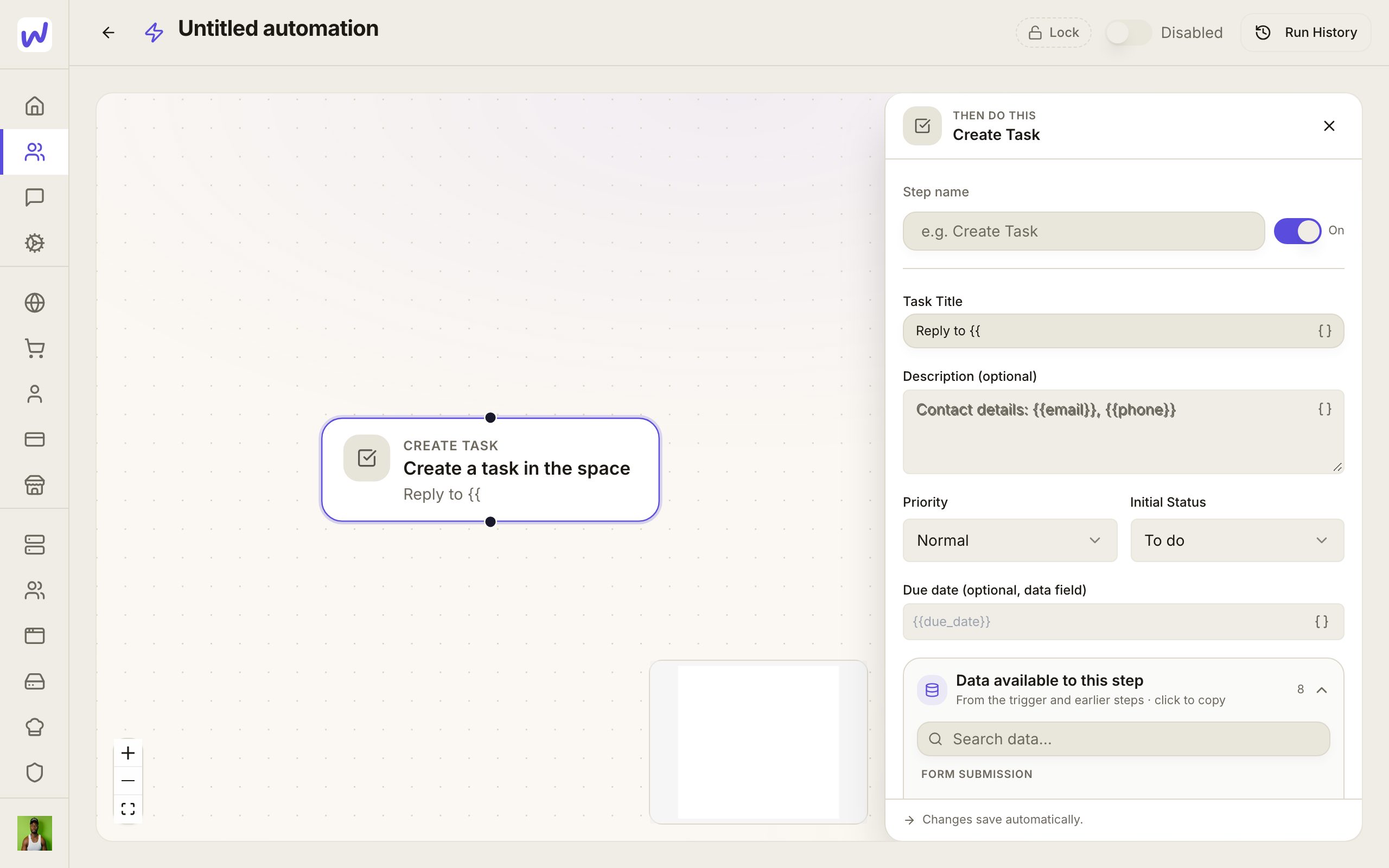
Choose Create Task
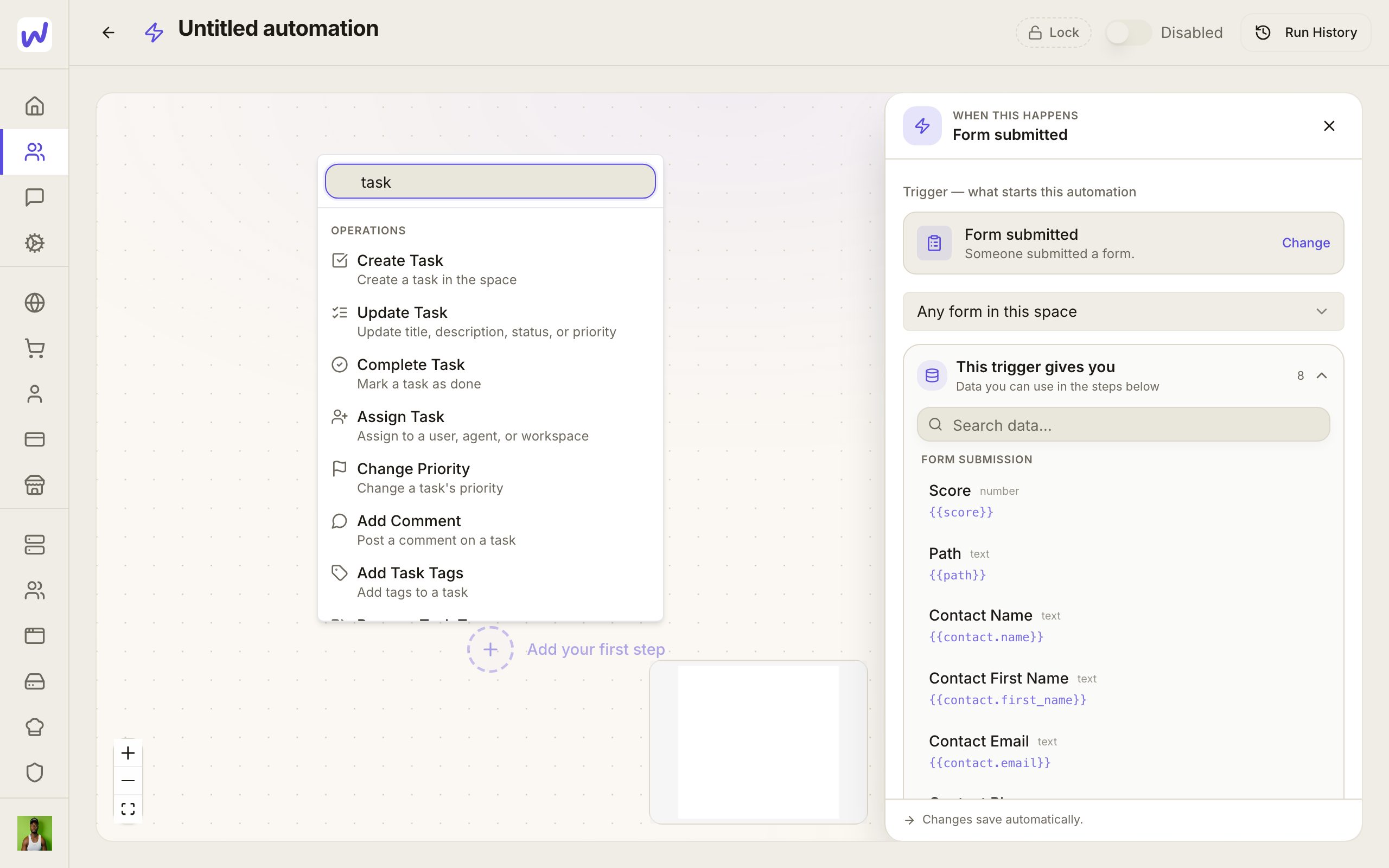
Write the title
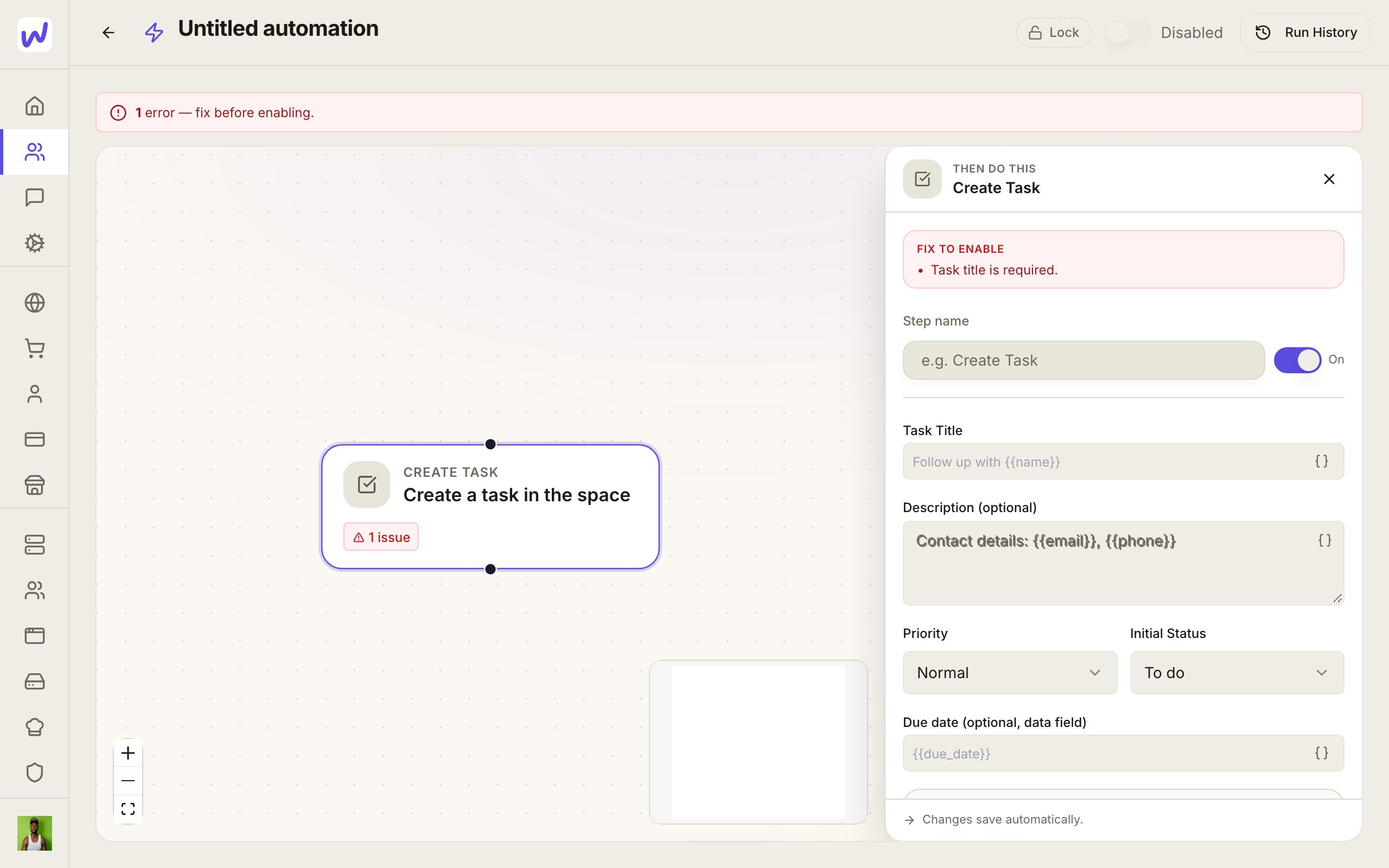
Switch it on
Steps that cost money
Steps that send texts or emails, place calls or use AI are paid usage, charged to the space's wallet like the same action done by hand. See Wallet and plans.
Listeners: who hears what
Automations are one kind of listener. Agents and outside apps can listen to the same events.
- An agent can listen to events and gets a line in its own chat when one happens, right away or gathered into a batch. Its page shows a Listens to card. An agent only hears about tables, documents, apps and other things it is allowed to use.
- A webhook sends each event to an outside web address you give it. Every delivery is signed so the receiving app can check it came from Wakato, and failed deliveries are retried for about a day. Set these up in Space Settings → Webhooks.
- A feed keeps events for an outside app to pull when it is ready.
Open Automations → Listeners to see it all in one place. Look by What happens (each event and everyone who hears it) or Who listens (each agent, webhook, feed and automation). Just happened shows the last day's events and who got each one.
What your agents can do here
Agents can build and edit automations in your space, read their runs, and run one by hand. An agent can also listen to events for itself, set up webhooks and feeds, and look back at recent events. What an agent is allowed to change follows the permissions on its page.
Questions
Related
Tasks
Tasks is where a Wakato space keeps its to-do work, grouped into projects with columns like To Do and Done. You can give a task to a person or to an agent and ask for approval before it counts as finished. Tasks are part of every space.
Documents and files
Documents are pages you write together in a Wakato space, with comments pinned to words and sharing by email with anyone. Assets is the space's file library, organised in folders everyone in the space shares. Both are part of every space; files you upload count toward your plan's storage.