Email campaignsfrom your own domain.
Mail sends email from your own domain or connected Gmail and Outlook. A campaign is either a newsletter, the same email to everyone subscribed, or a custom series written for each person, with results, an unsubscribe page and safety rules built in.
Mail is how a space sends email to its contacts. You add a mailbox, write a campaign, choose who gets it and send. Wakato keeps the rules that protect your sender name for you: people who unsubscribed, bounced or reported spam are never mailed, every campaign email carries an unsubscribe link, and a campaign that starts bouncing pauses itself.
How it works
Open Mail from your space. The tabs are Inbox, Mailboxes, Campaigns, Templates and Brand.
Mailboxes
In Mailboxes, press Add a mailbox. You can make an address on one of your own domains, connect Gmail or Outlook, or bring in a mailbox you already use in another space. Every agent in the space can send from the space's mailboxes. A domain needs its DNS records set before mail goes out; the mailbox page shows each record and a Verify button.
Each mailbox has its own daily sending limit. Brand holds the footer that goes under designed emails, and each mailbox can have a signature for one-to-one email. A campaign email gets the footer, a one-to-one email gets the signature, never both.
Two kinds of campaign
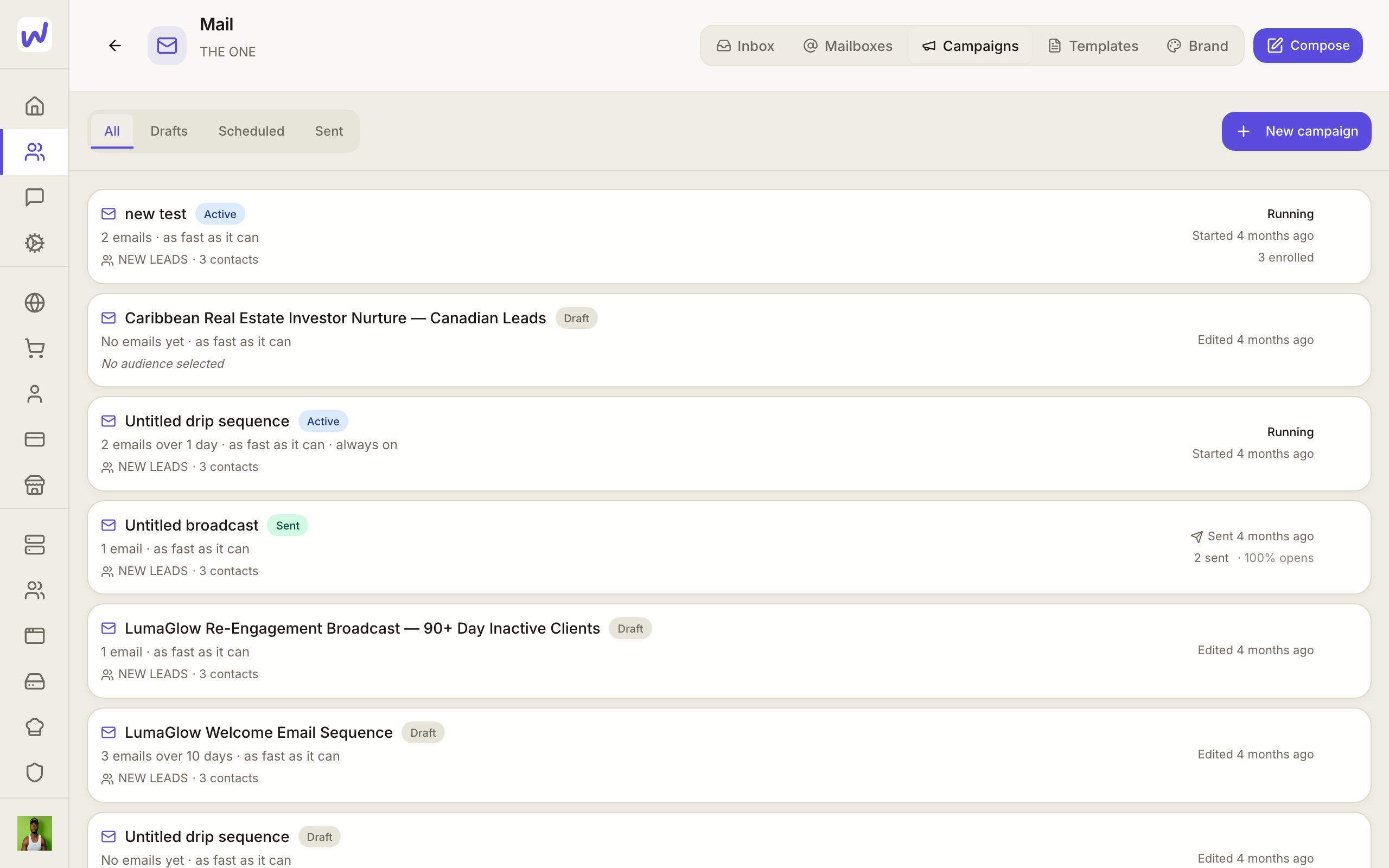
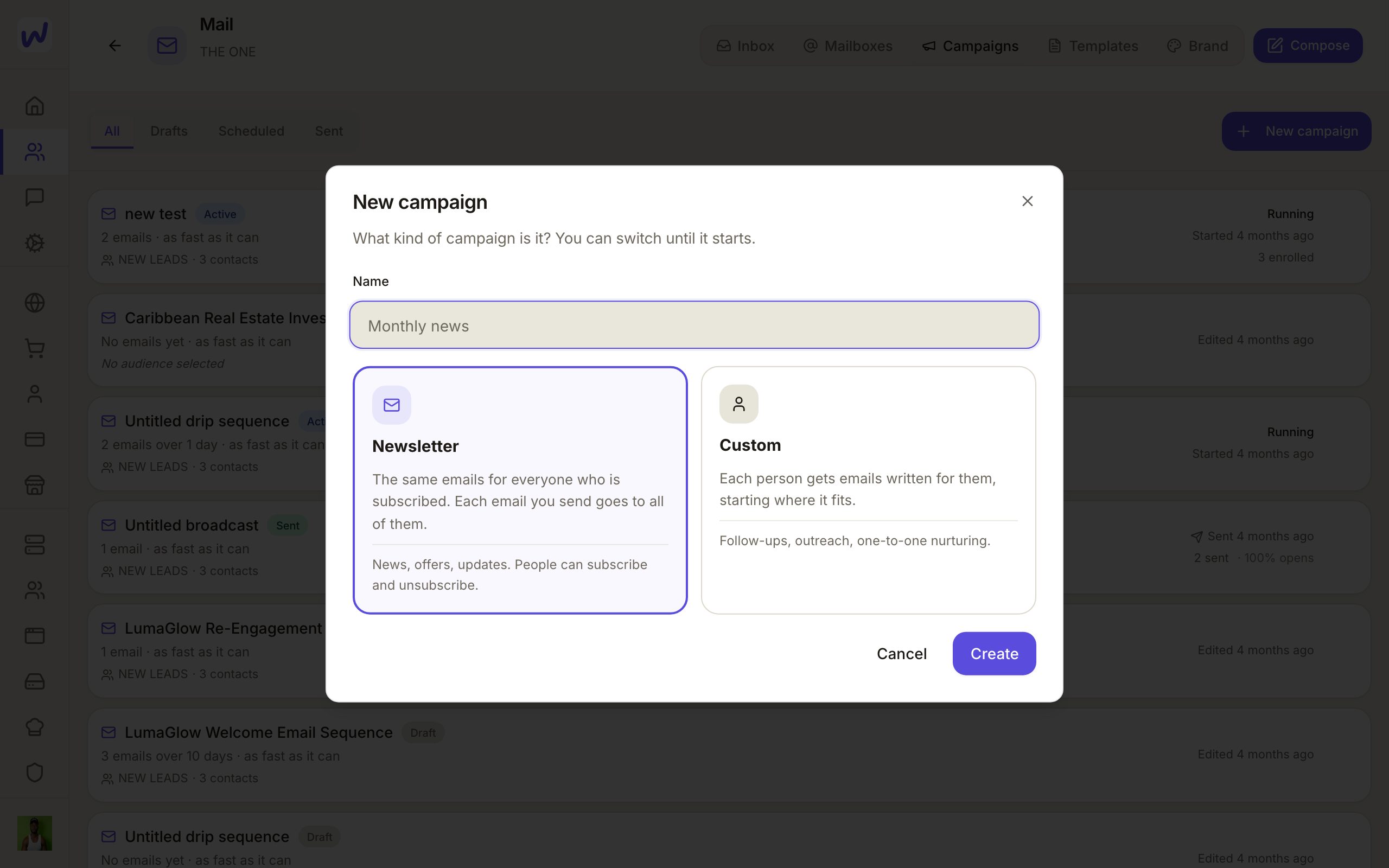
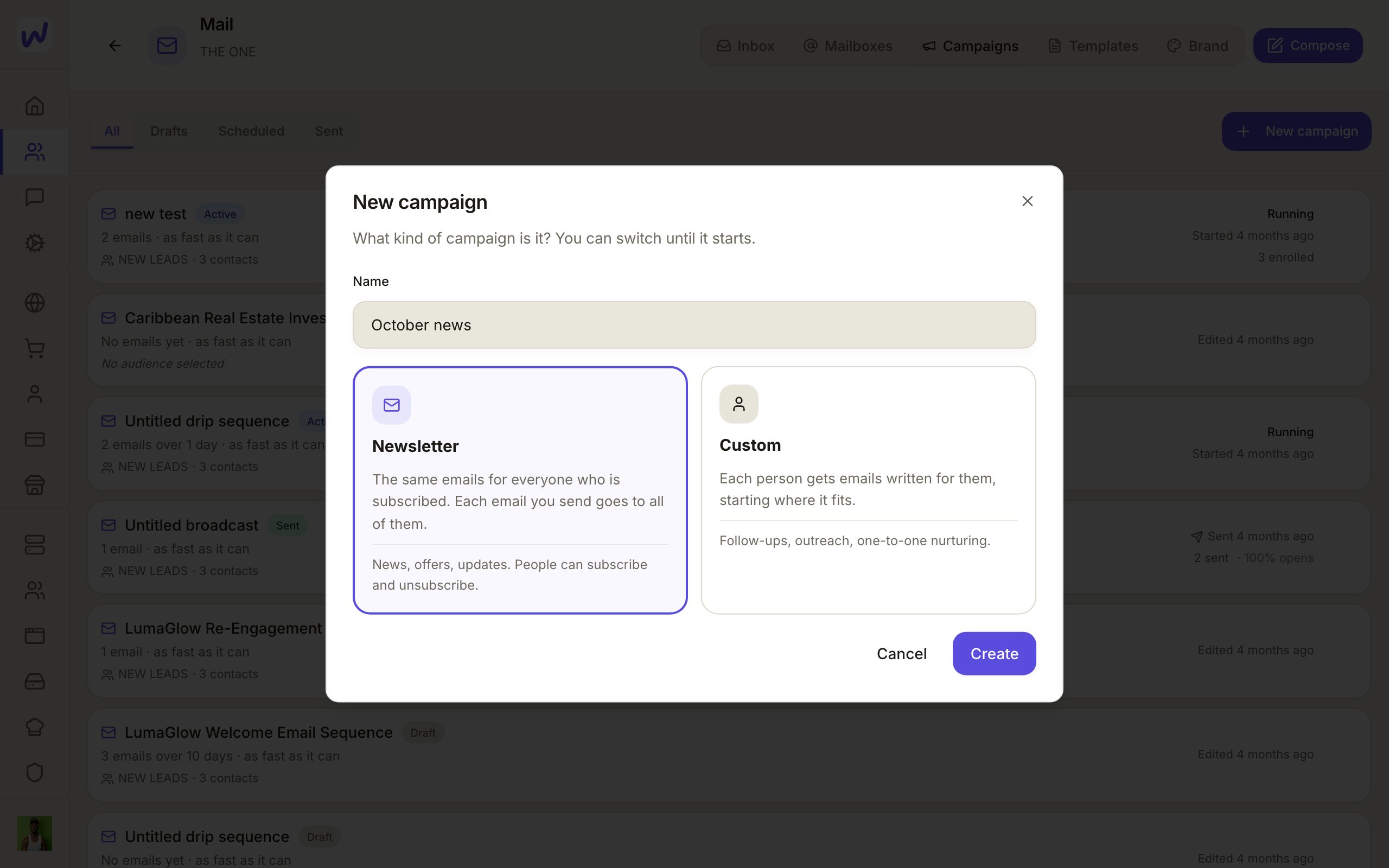
When you press New campaign, you choose:
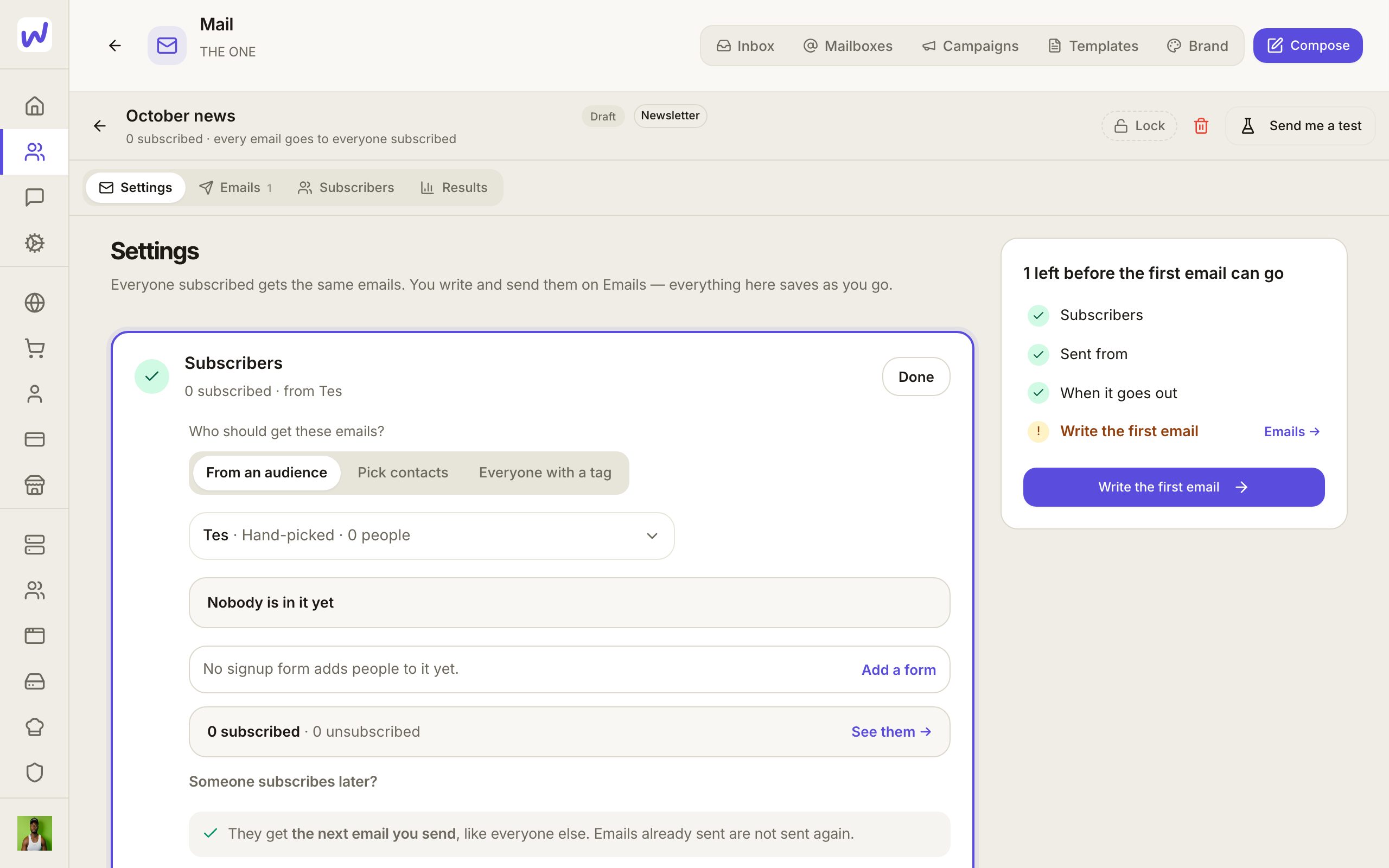
- Newsletter: the same emails for everyone who is subscribed. Each email you send goes to all of them at that moment. Someone who subscribes later gets the next one, and a welcome email if you turned it on.
- Custom: each person gets emails written for them, starting where it fits. Good for follow-ups, outreach and one-to-one nurturing.
You can switch between them until the campaign starts.
Inside a campaign
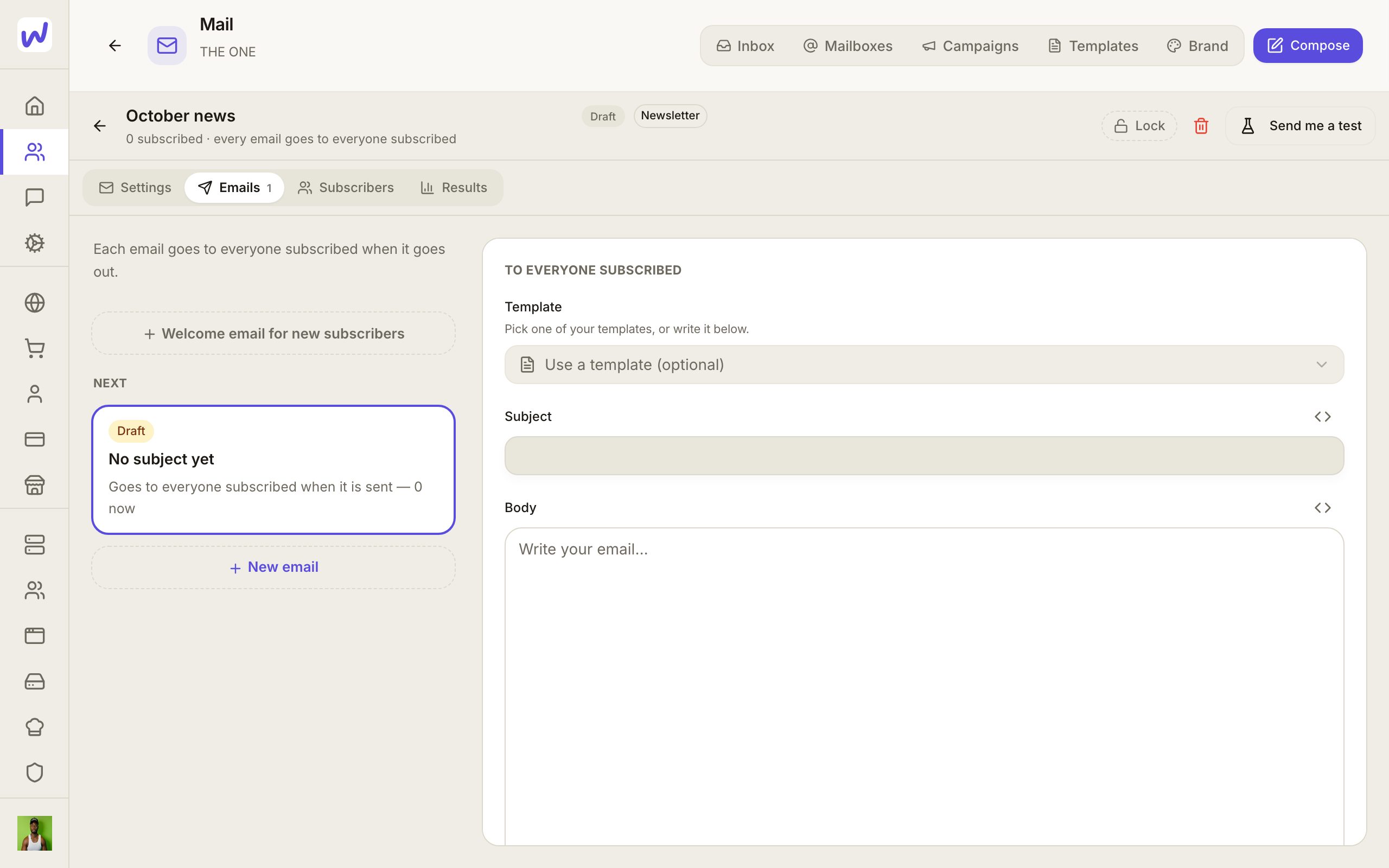
A custom campaign has three tabs: Settings, Steps and Results. A newsletter has Settings, Emails, Subscribers and Results.
Settings is a list of rows you open in place:
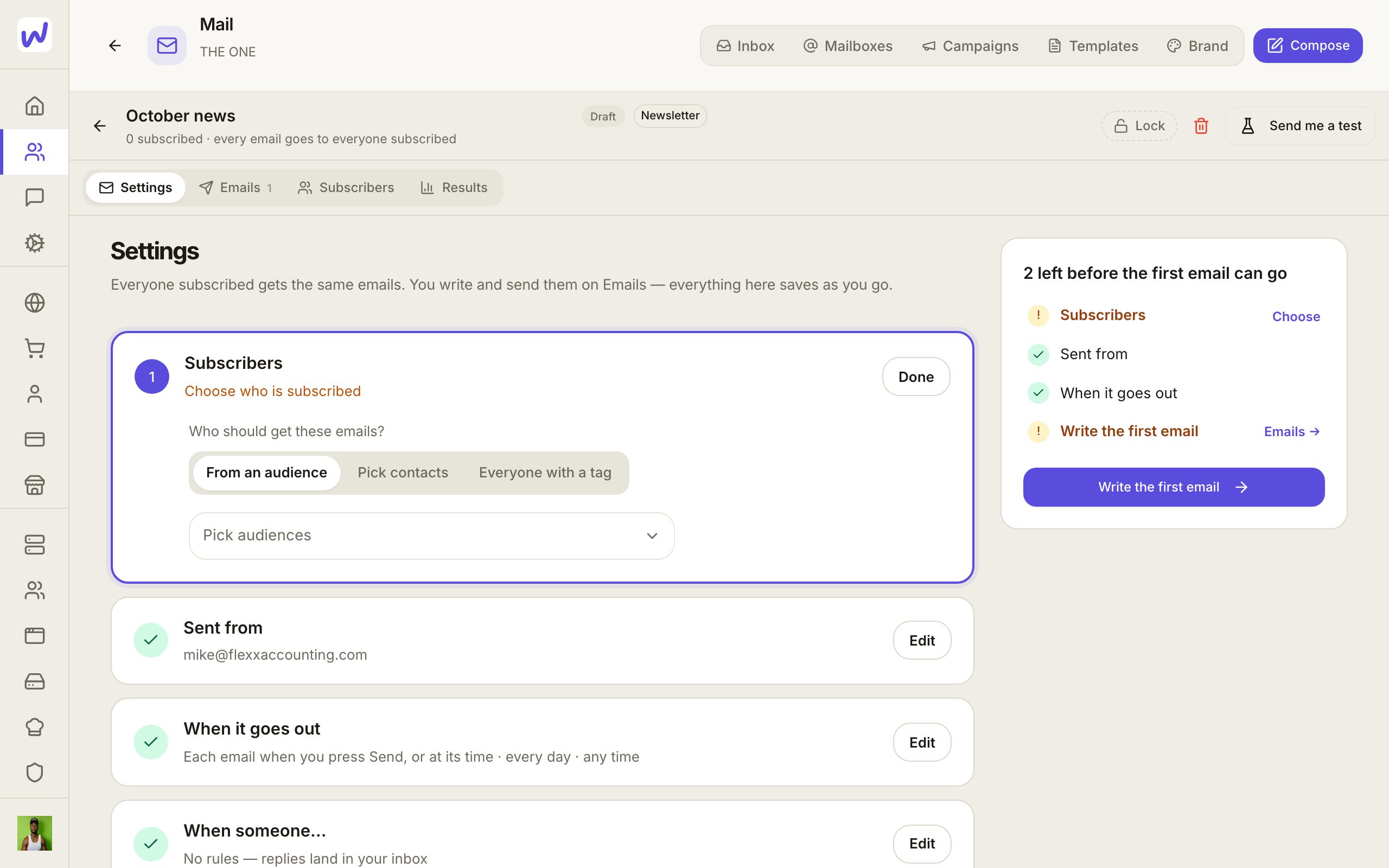
- People: from an audience, hand-picked contacts, or everyone with a tag. The count is live.
- Sent from: which mailboxes send it, and how many emails a day together.
- When it goes out: the days, hours, time zone and pace.
- When someone…: rules for what happens next. For example, when someone replies, stop the campaign for them. Every new campaign comes with that rule. A rule can also tell the owners and admins, tag the person, or send the reply to an agent.
- What it's for: an optional description of the campaign, which agents read.
Steps shows the emails and the waits between them. Pick a person on the left to see where they are: what they got, whether they opened or clicked, and what comes next.
Results shows sent, delivered, opened, clicked, replied, unsubscribed and emails that didn't arrive. Each number opens the people behind it, so you can tag them or make a list from them.
Do it
Prefer to watch?“Send an email campaign”: watch it, or click through the steps yourself.Open Campaigns
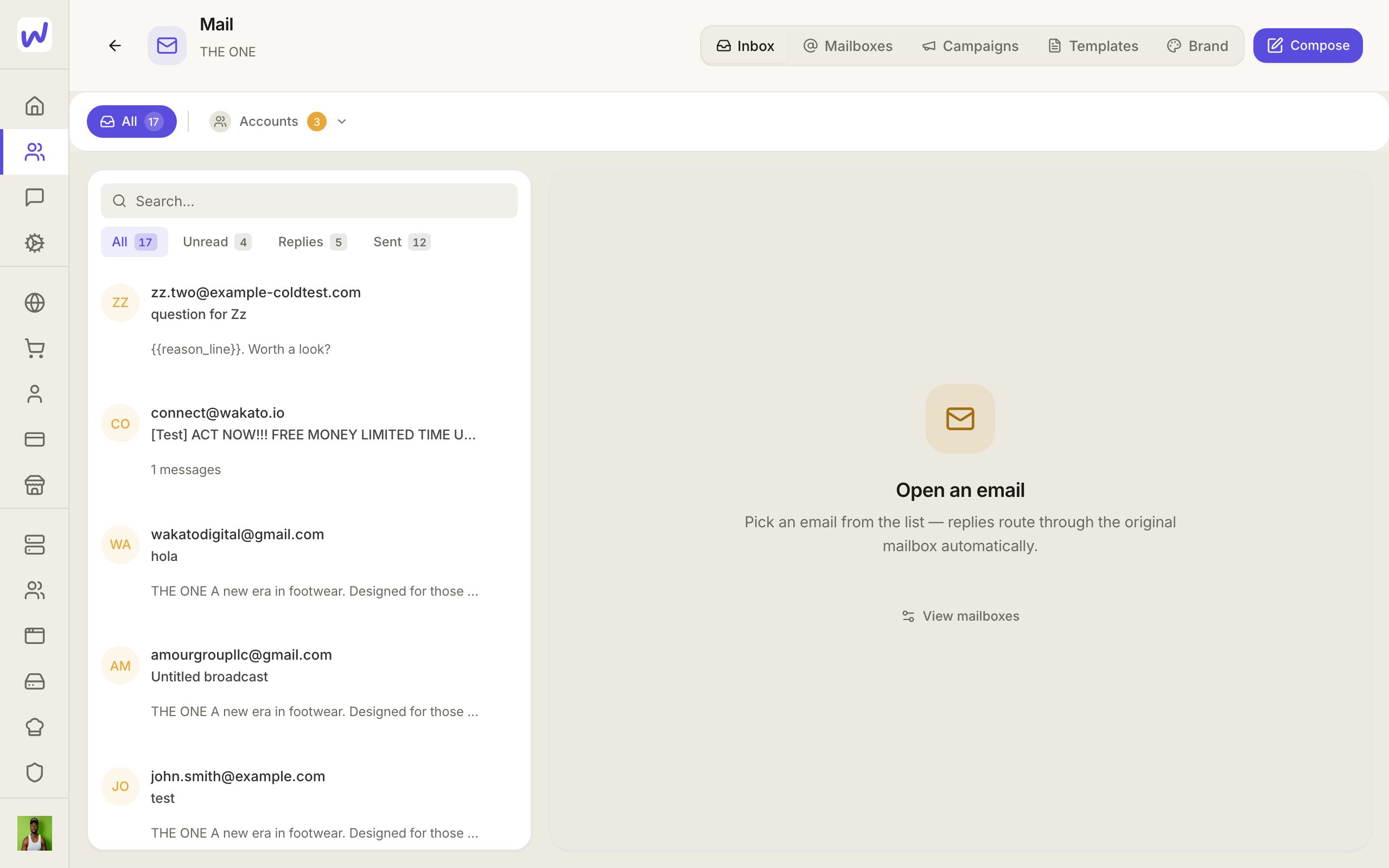
Press New campaign
Name it and choose the kind
Create it
Choose who gets it
Write the first email
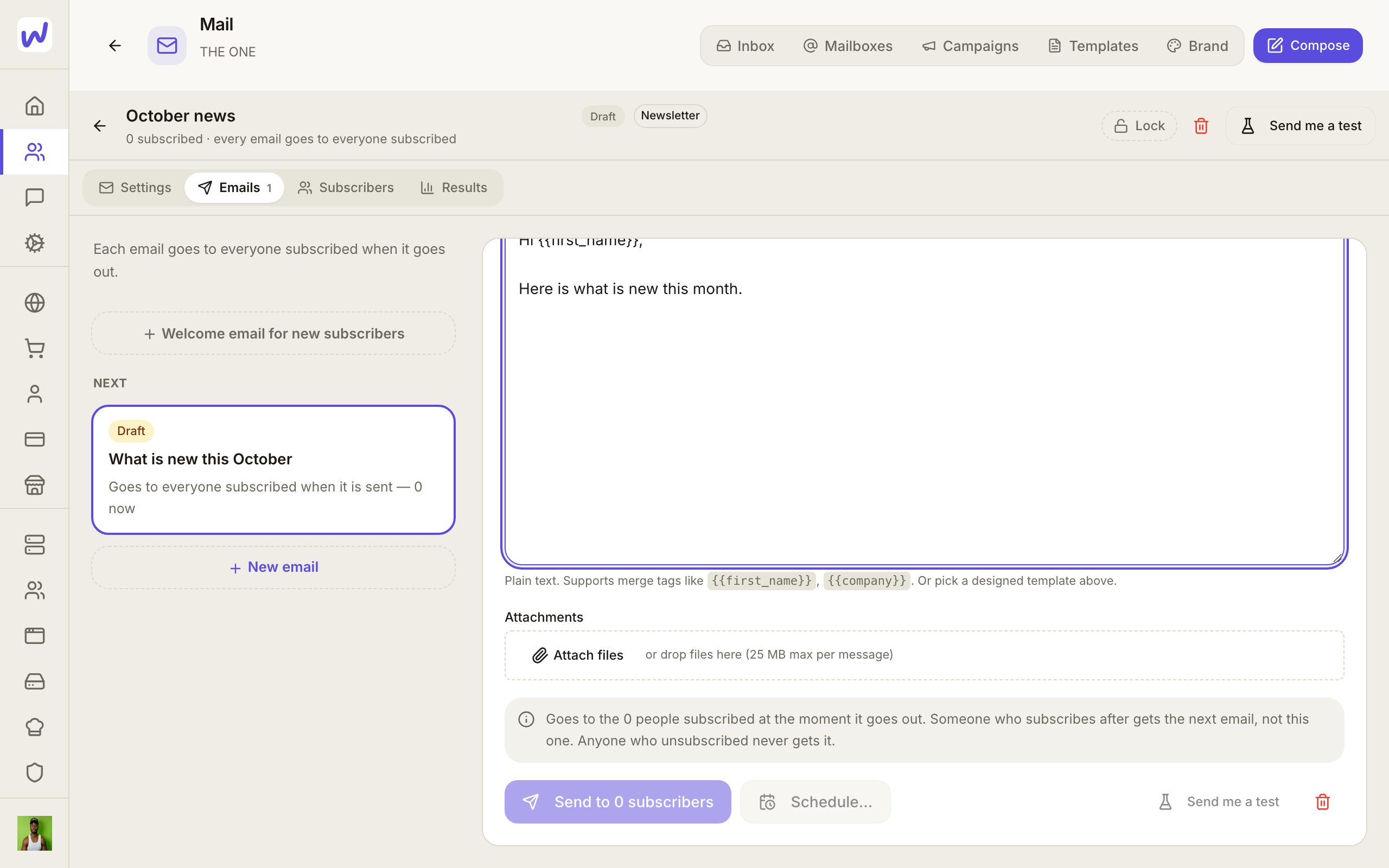
Write and test it
Send or schedule
Unsubscribing, safety and consent
- The unsubscribe link in a campaign email stops that campaign for the person, then opens a page where they can switch your other newsletters on or off, or press Stop all emails. A newsletter can be listed on that page with one line about it.
- Safety pause: once a campaign has sent 50 emails in a day, it pauses itself if 5% or more bounce hard or 0.3% or more are reported as spam. You are told, and you resume it when the list is fixed.
- Email permission: each contact can be marked May email them, No permission or Not recorded, and every change is kept in their Consent history. A newsletter skips people marked No permission, and a campaign will not add them.
- Only a new yes brings someone back. A person who unsubscribed gets email again only after they agree again, for example by confirming a sign-up form.
Personal fields
A custom campaign can use any field from a contact, like a first name or a line you imported for each person. If someone is missing a field an email needs, they are taken out of the campaign for that email instead of getting a blank.
What your agents can do here
An agent can write and edit campaigns and emails, add or remove people, pause or stop the campaign for one person, read the results and the people behind each number, tag them or make a list from them, and import a list of leads into Contacts. A new mailbox always asks you first. Replies reach an agent when the campaign has a rule that sends them to it, and the agent answers in the same email thread.
Questions
Related
Social
Social Manager is where a space writes, schedules and publishes posts to its social accounts, answers messages, comments and reviews, and sets auto-replies. You can write drafts before any account is connected.
Community
A community is a members' place for your customers, students or fans, with discussions, events, rooms and more. Each community belongs to one space, and paid memberships are paid into the shop run from that space.