Calendar and bookingslet people book, without double bookings.
Each space has a calendar that can show your Google, Outlook and phone calendars beside its own events, and booking pages where people pick a time with you. You choose which calendars close a time on each booking page, and bookings can be copied onto your Google or Outlook calendar.
Every space has its own calendar for meetings, bookings and events. You can bring in your Google or Outlook calendar so everything is in one view, and make booking pages where customers pick a free time with you. Wakato checks the calendars you choose before it offers a time, so nobody books you when you are already busy.
How it works
The space calendar
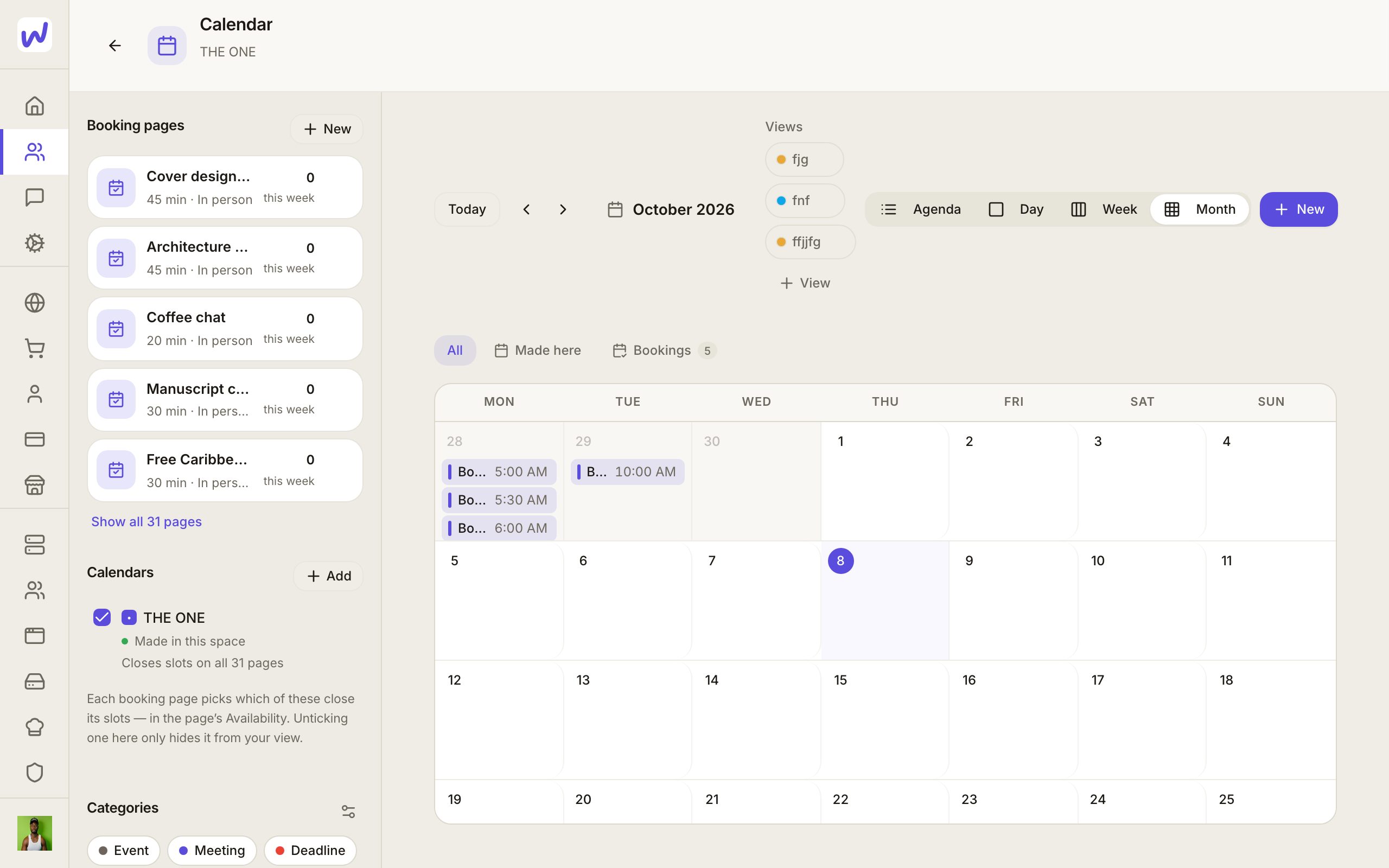
Open Calendar in your space. It shows the space's own events, bookings and meetings. Calendars reach a space three ways:
- Made here: the space's own calendar.
- Google or Outlook: in the Calendars list, press Add and choose Connect a Google or Outlook calendar, or add one you already connected. Adding it to the space is what makes it sync. Sync now pulls the latest right away.
- Your phone's calendar: a member can share their phone calendar from Connectors in the Wakato phone app.
Events that come from Google, Outlook or a phone belong to that calendar. In Wakato they are read-only and marked with where they came from; change them in their own app (an event from Google has Open in Google). If a connection stops, it shows Needs reconnecting first.
Booking pages
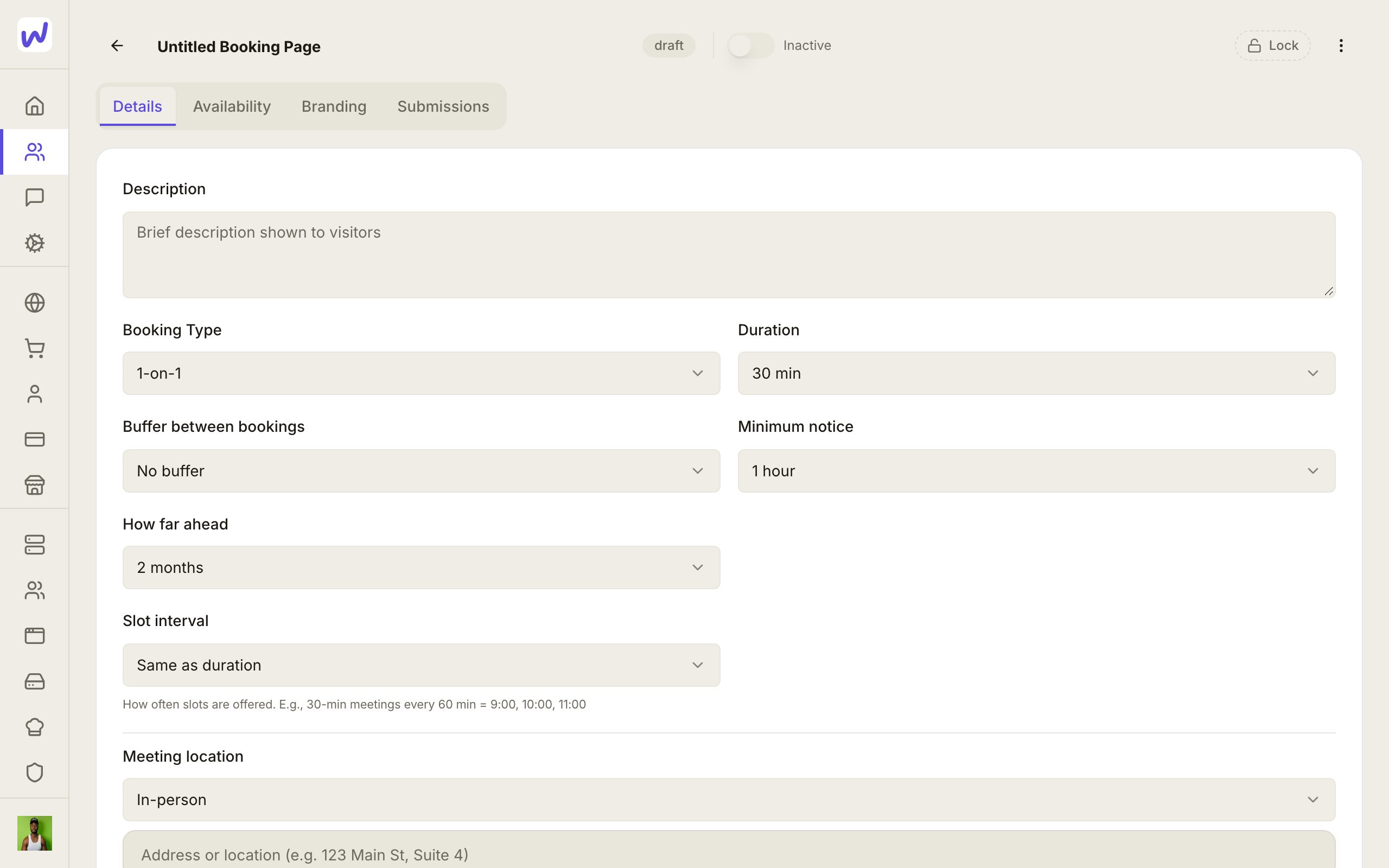
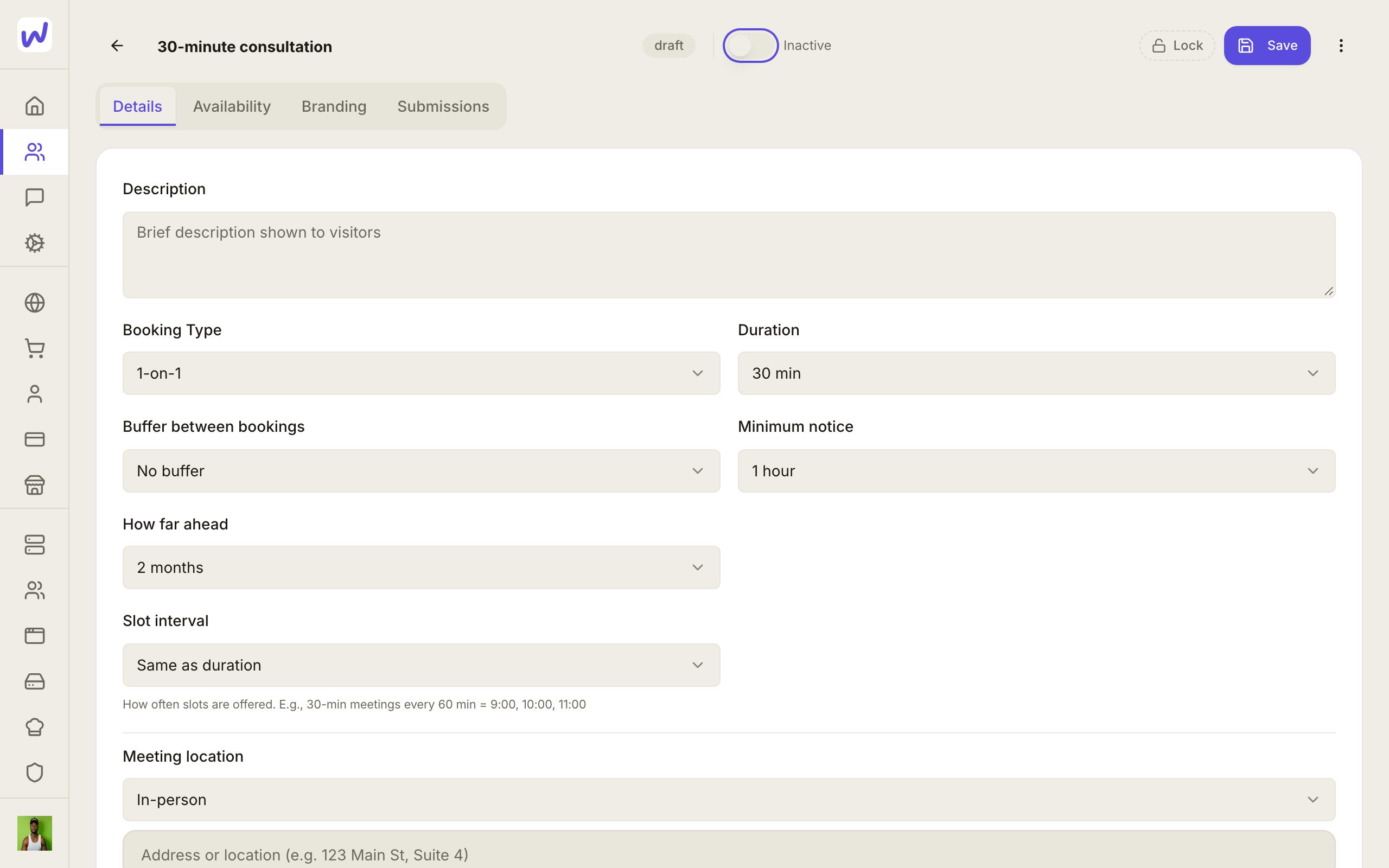
A booking page is a public page where people pick a time with you, like a 30-minute consultation. You set:
- Details: the name, description, duration, meeting location (Wakato Meet, a phone call, in person or your own video link), whether it is 1-on-1 or a group, and extra questions from a form. Name and email are always asked.
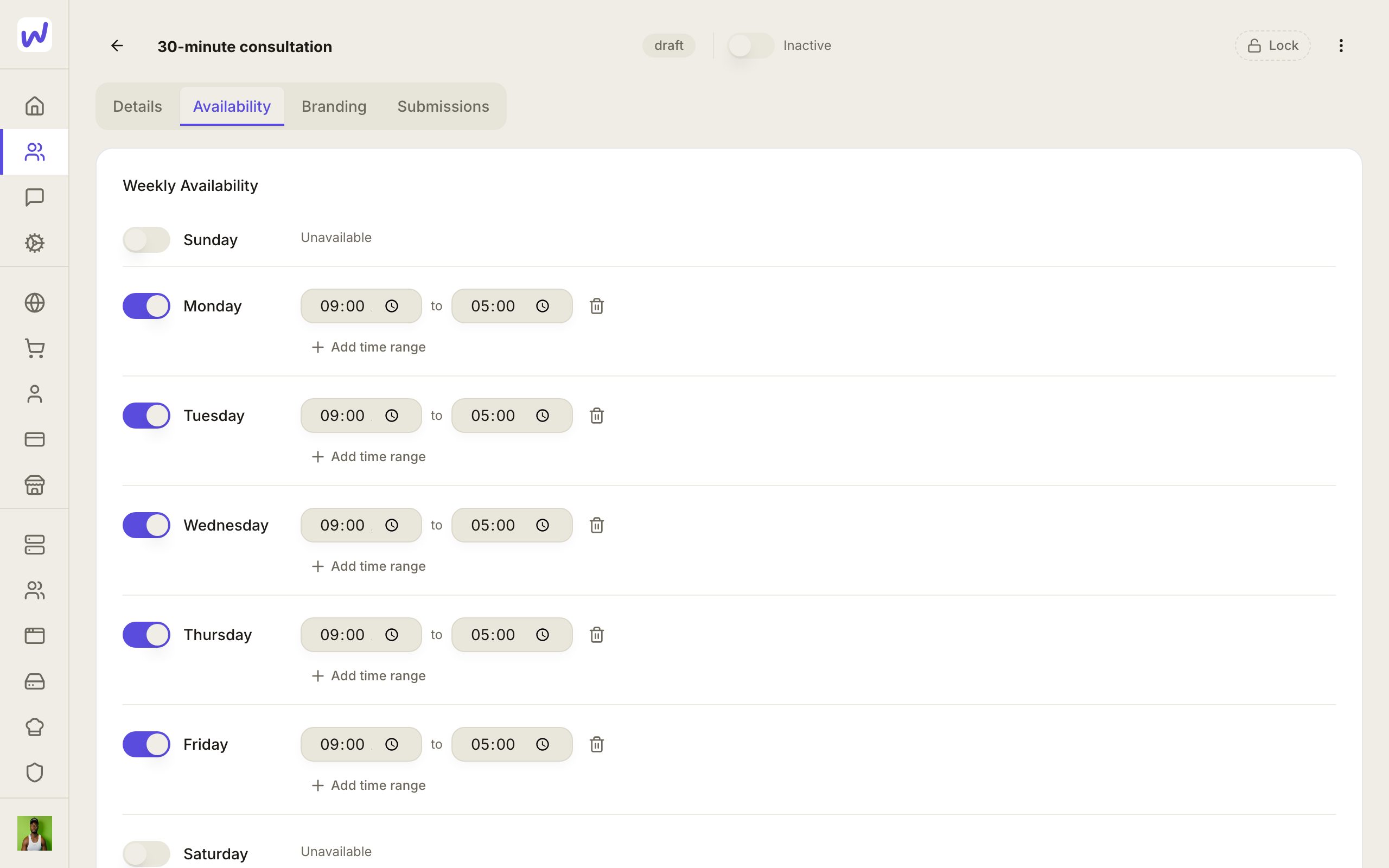
- Availability: the days and hours you work, slot interval, buffer between bookings, minimum notice and how far ahead people can book.
- Branding: how the page looks.
- Submissions: the bookings that came in.
When someone books, they get a confirmation email, the booking goes on the space's calendar, and they become a contact of the space.
Which calendars close a slot
Under Times already taken on the Availability tab, tick the calendars this page checks. A busy event on a ticked calendar closes that time on this page. The page's own bookings always count. An event marked free never closes a time. A calendar you add later is checked on every page until you untick it.
The preview on the same tab shows a day's Open times and what closed the others, so you can see why a time is not offered.
Copy bookings to Google or Outlook
Under When someone books, Also put it on can name one of the space's Google or Outlook calendars. Each booking then appears there too, so the time shows as taken in your usual calendar. If the booking is moved or cancelled, the copy is moved or removed with it.
Do it
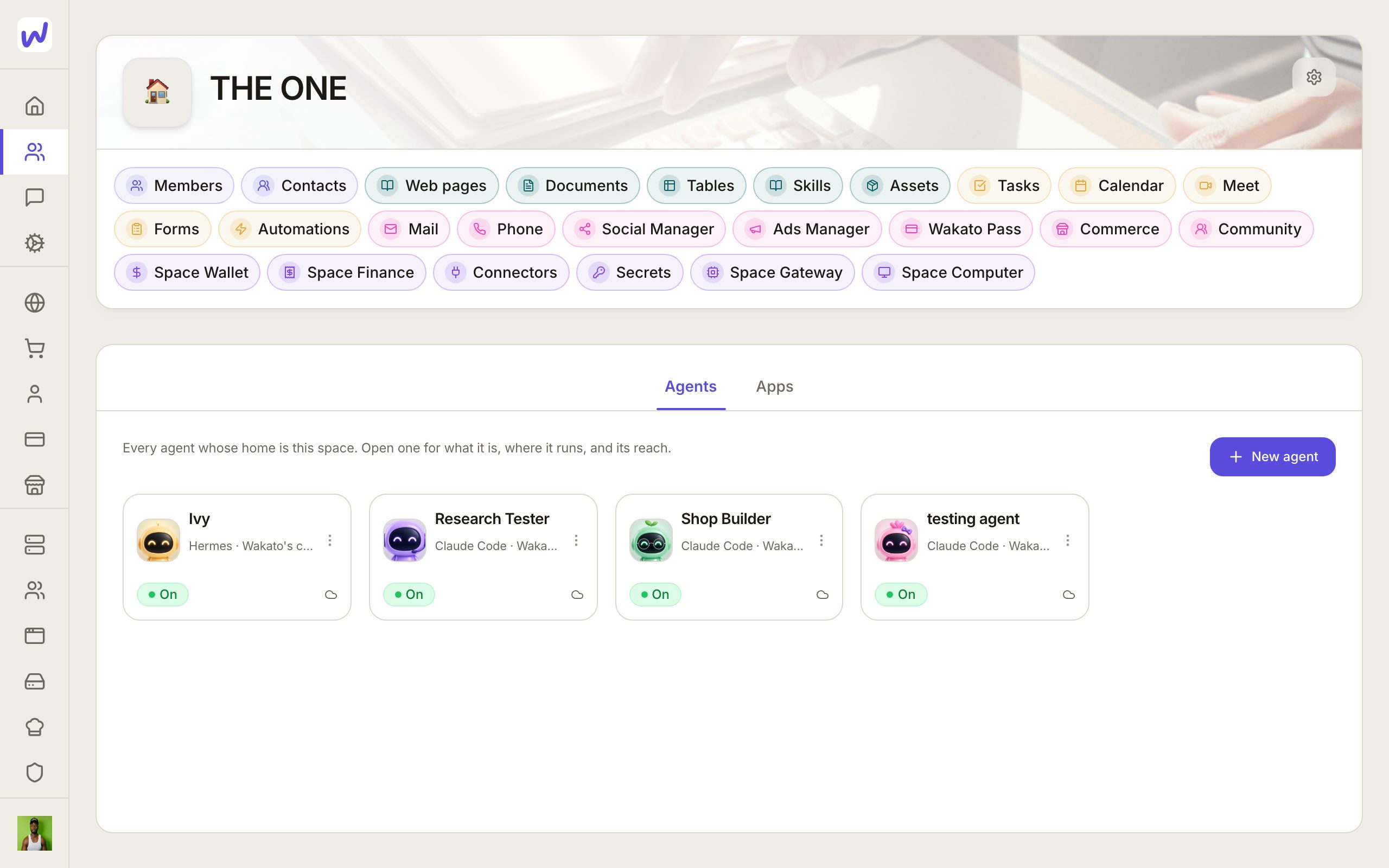
Prefer to watch?“Make a booking page”: watch it, or click through the steps yourself.Open Calendar
Press New
Name it
Open Availability
Set your hours
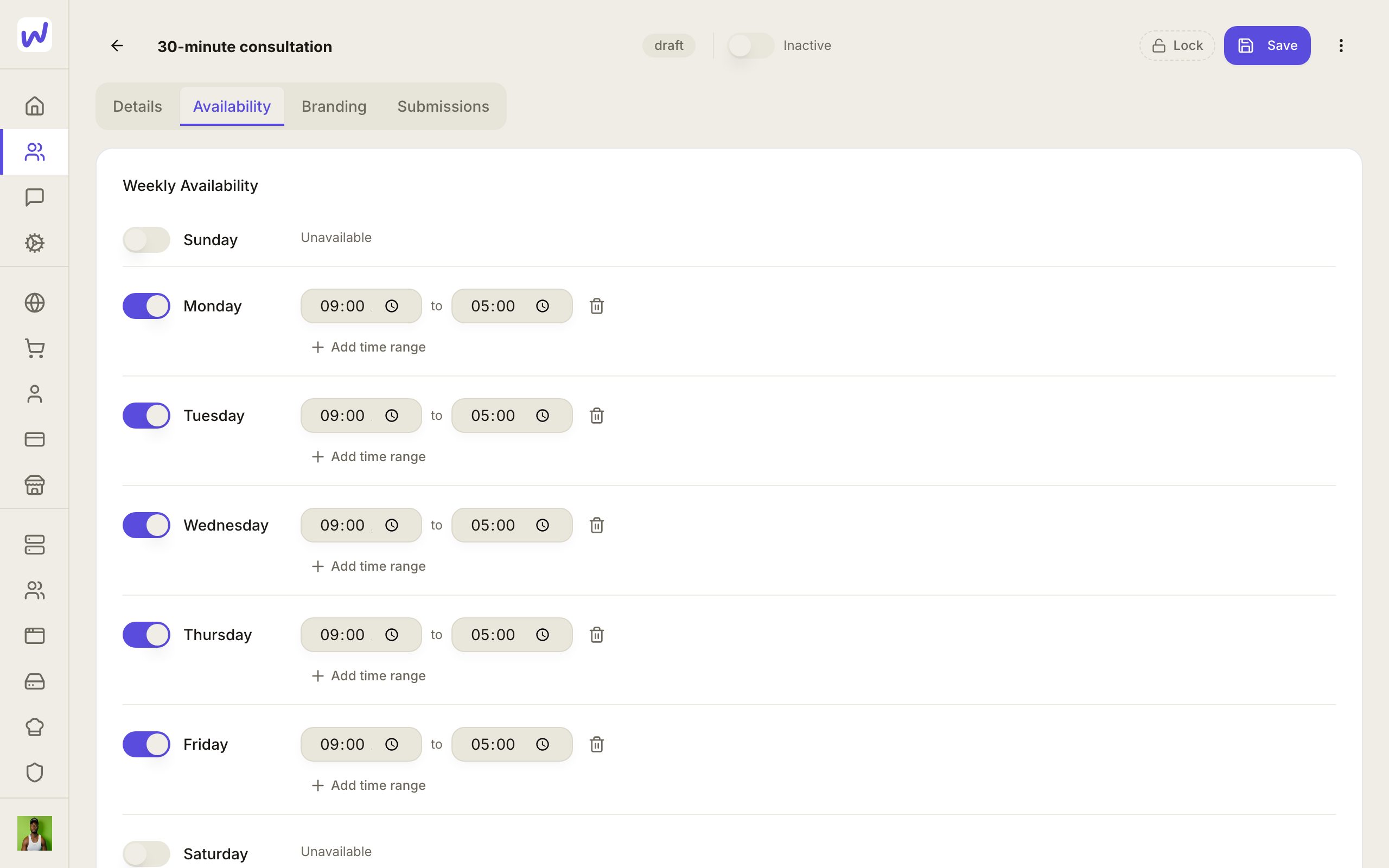
Save
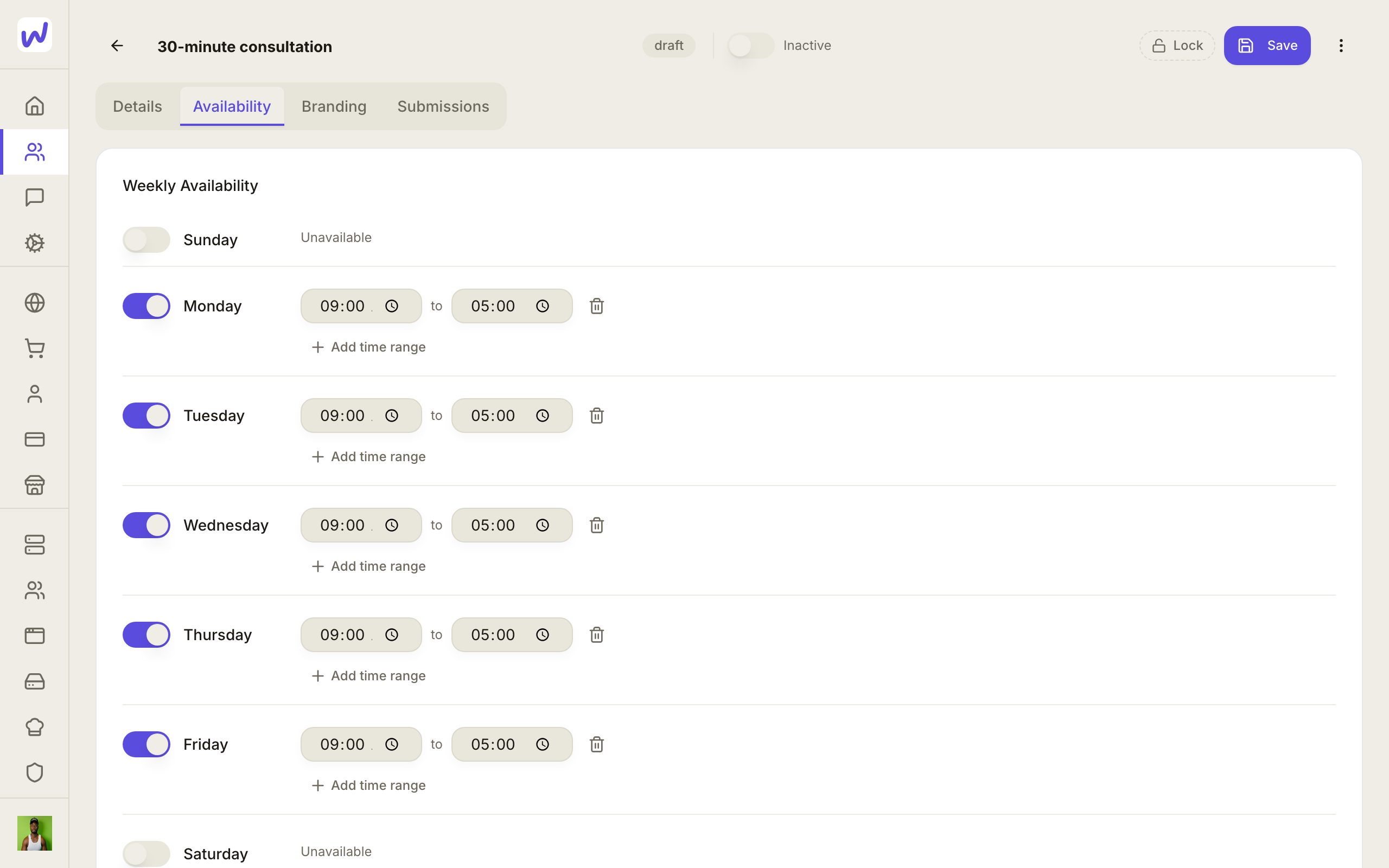
Switch it on
Cancelling tells the guest
When you cancel a booking from Submissions, Cancel booking emails the guest by default, with an optional line from you. Untick it to cancel quietly. Moving or cancelling a booking also updates the copy on your Google or Outlook calendar.
Paid appointments
To charge for an appointment, sell it as a service in your shop and link it to a booking page. The buyer picks a time before paying, and the time is held while they pay.
What your agents can do here
An agent can read and add events, invite guests, list the space's calendars, make and change booking pages (including which calendars they check and where bookings are copied), book a time on a page for someone, and move or cancel a booking. When an agent moves or cancels a booking, the guest gets an email by default.
Questions
Related
Contacts
Contacts is your space's list of customers, leads and members, filled by hand, by import and automatically from forms, bookings, orders and messages. It keeps tags, audiences for campaigns, each person's email permission and consent history, and lets you erase someone on request.
Meet
Meet is the video meeting tool inside each space, for instant calls, scheduled meetings with invitations, and rooms that are always open, with recording, a transcript and a written recap after each meeting. It also runs live webinars that people sign up for.