Documents and fileswrite together, keep every file in one place.
Documents are pages you write together in a Wakato space, with comments pinned to words and sharing by email with anyone. Assets is the space's file library, organised in folders everyone in the space shares. Both are part of every space; files you upload count toward your plan's storage.
A space has two places for your written work and your files. Documents is where you write: proposals, procedures, notes and briefs, edited together like a shared doc. Assets is the space's library of files: photos, videos, PDFs, logos and anything you upload or your agents make.
Documents
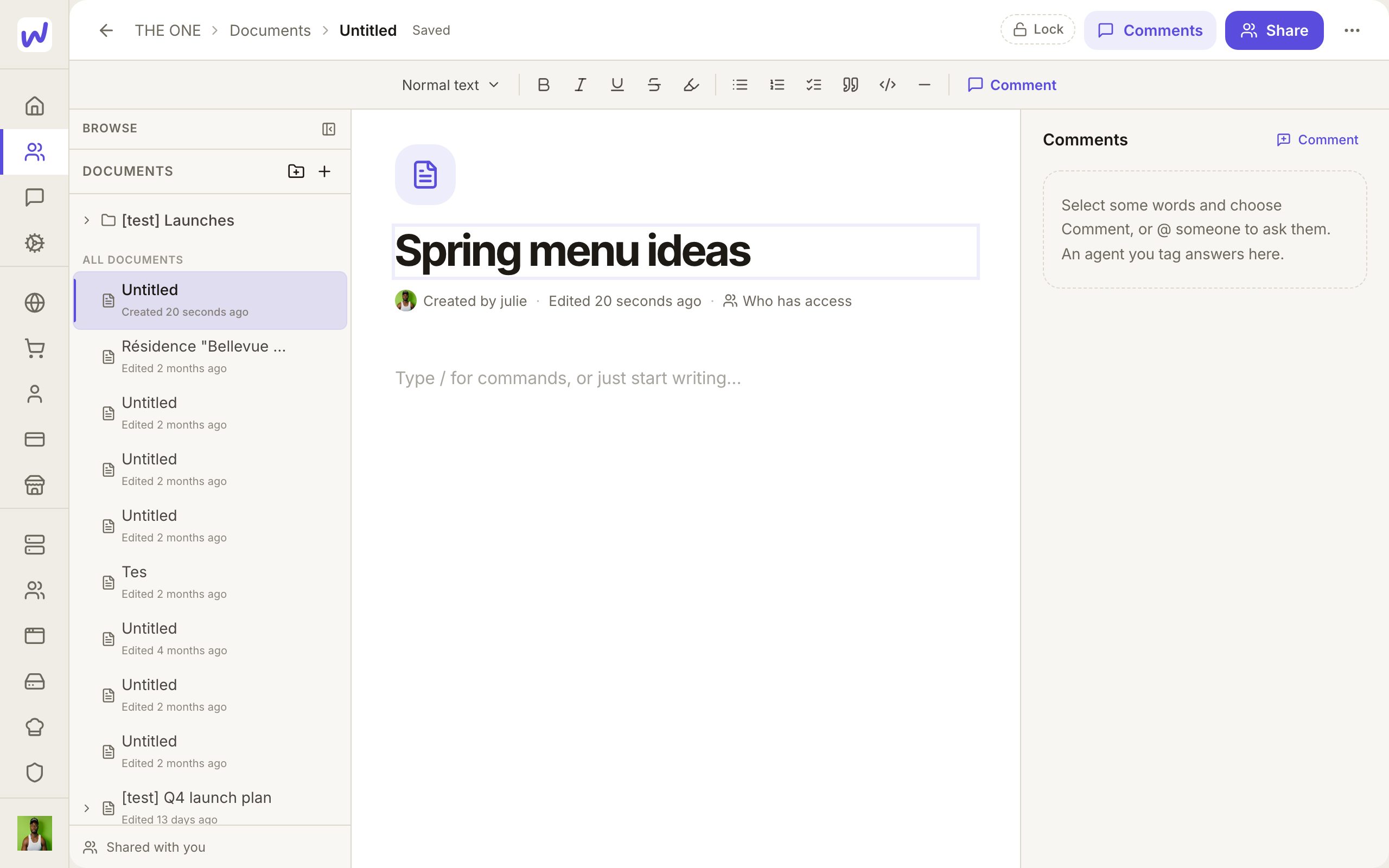
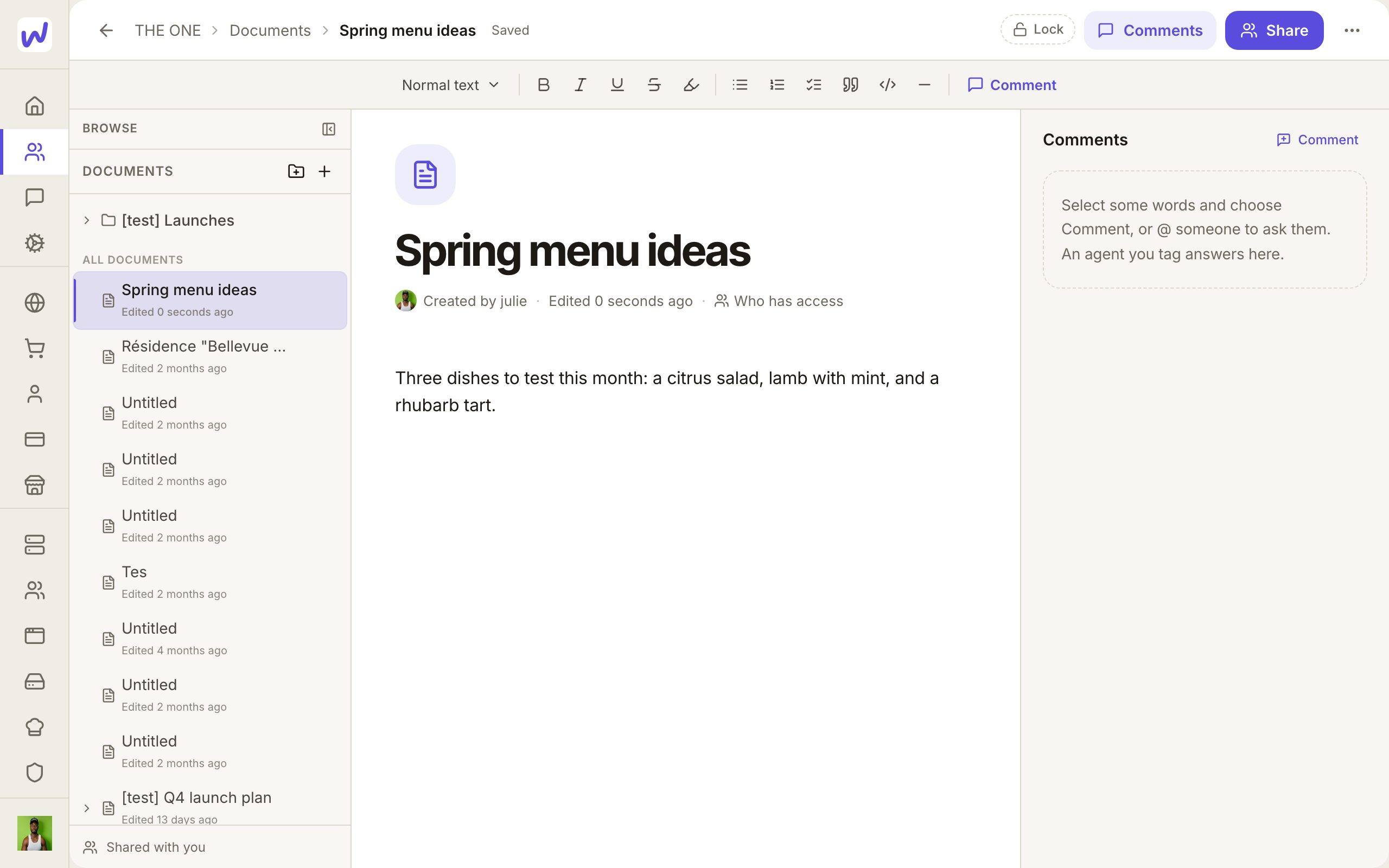
Writing. Press New document, click Untitled to give it a title, then write below. Type / for headings, lists and more. Changes save as you go, and you can see who else has the document open.
Folders. Group documents into folders with New folder. A folder can be shared like a document.
Comments pinned to words. Select words and comment on them. The comment stays attached to those words, so it still points at the right place after edits. If the words are later edited away, the comment stays in the list and says "The text changed since this comment." You can also comment on the whole document, reply in a thread, and Resolve a thread when it is settled (or Reopen it). Comments are never written into the document itself.
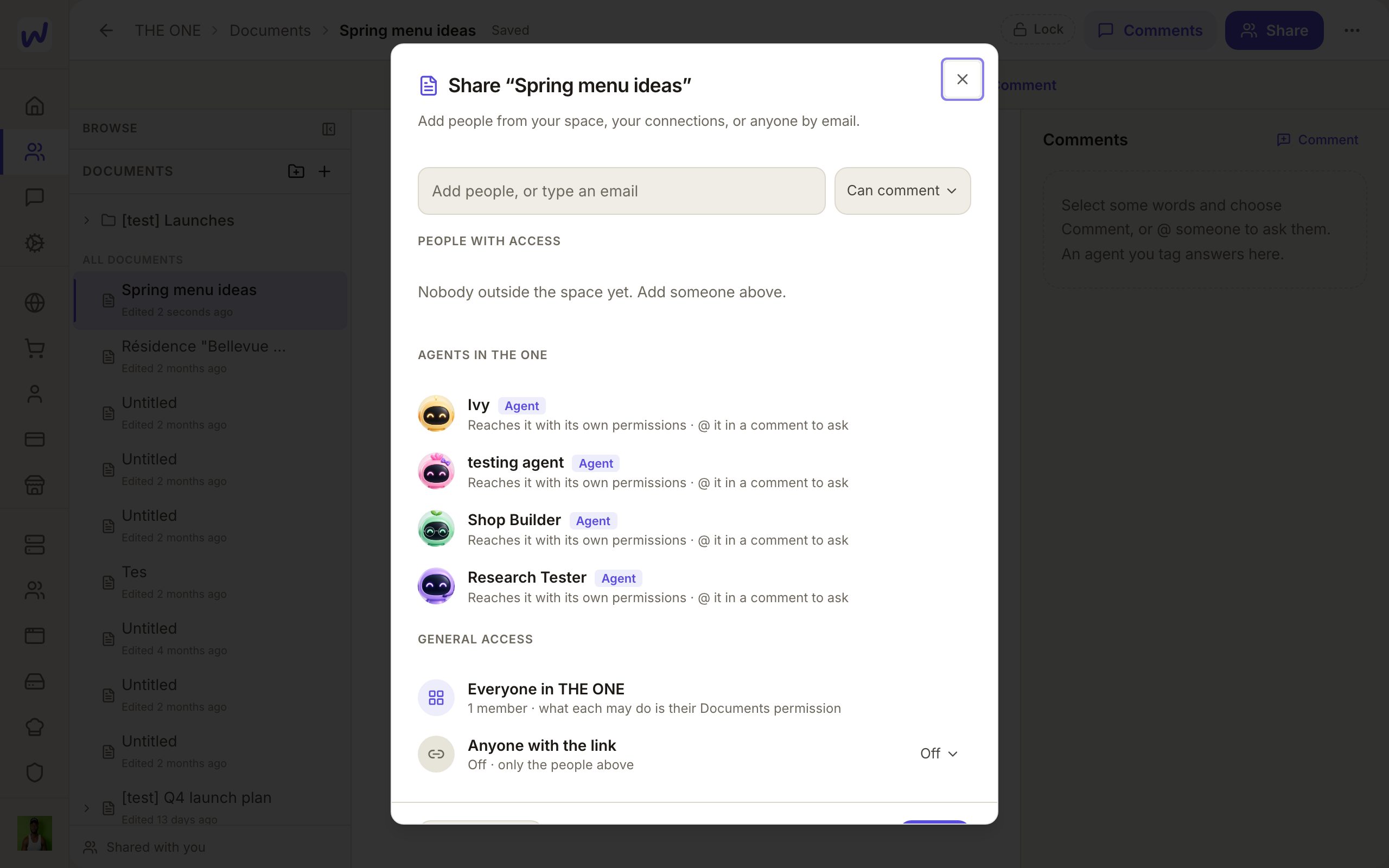
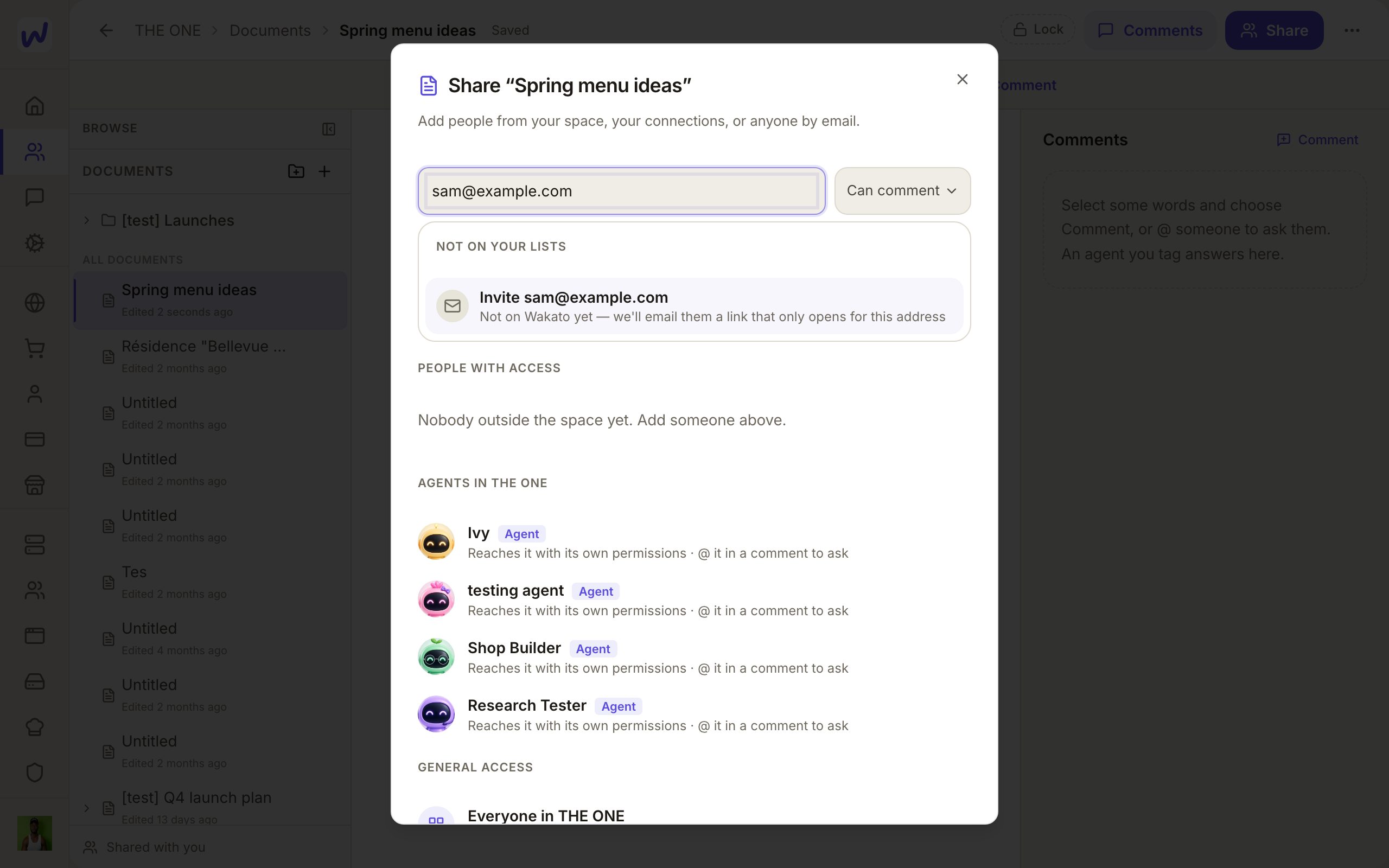
Sharing with anyone. Press Share, then add people from your space, your connections, or anyone by email. Choose whether each person can view, comment or edit. Someone already on Wakato gets it at once in Shared with you. Someone who is not on Wakato gets an email with a link that only opens for that email address. Sharing a folder shares every document in it, including ones added later.
The people in your space reach documents through their Documents permission in the space. Sharing is how you bring in people from outside it, such as a client or an accountant.
Tagging. Type @ in a comment to tag someone. If they cannot see the document yet and you are allowed to share it, tagging them gives them comment access. If you tag an agent that works in the space, it is told in its chat and answers in the comment thread.
Do it: write a document and share it
New document
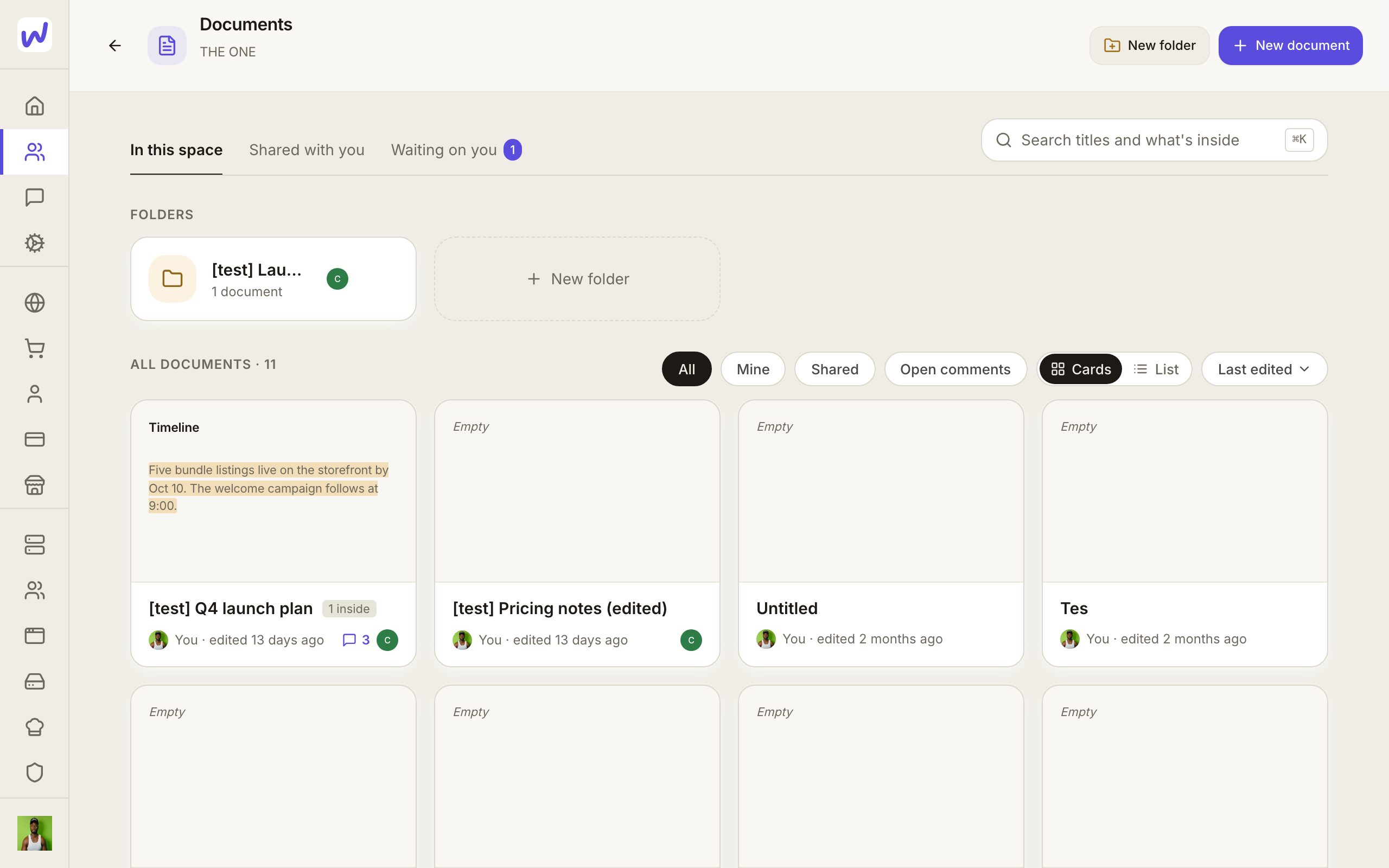
Title
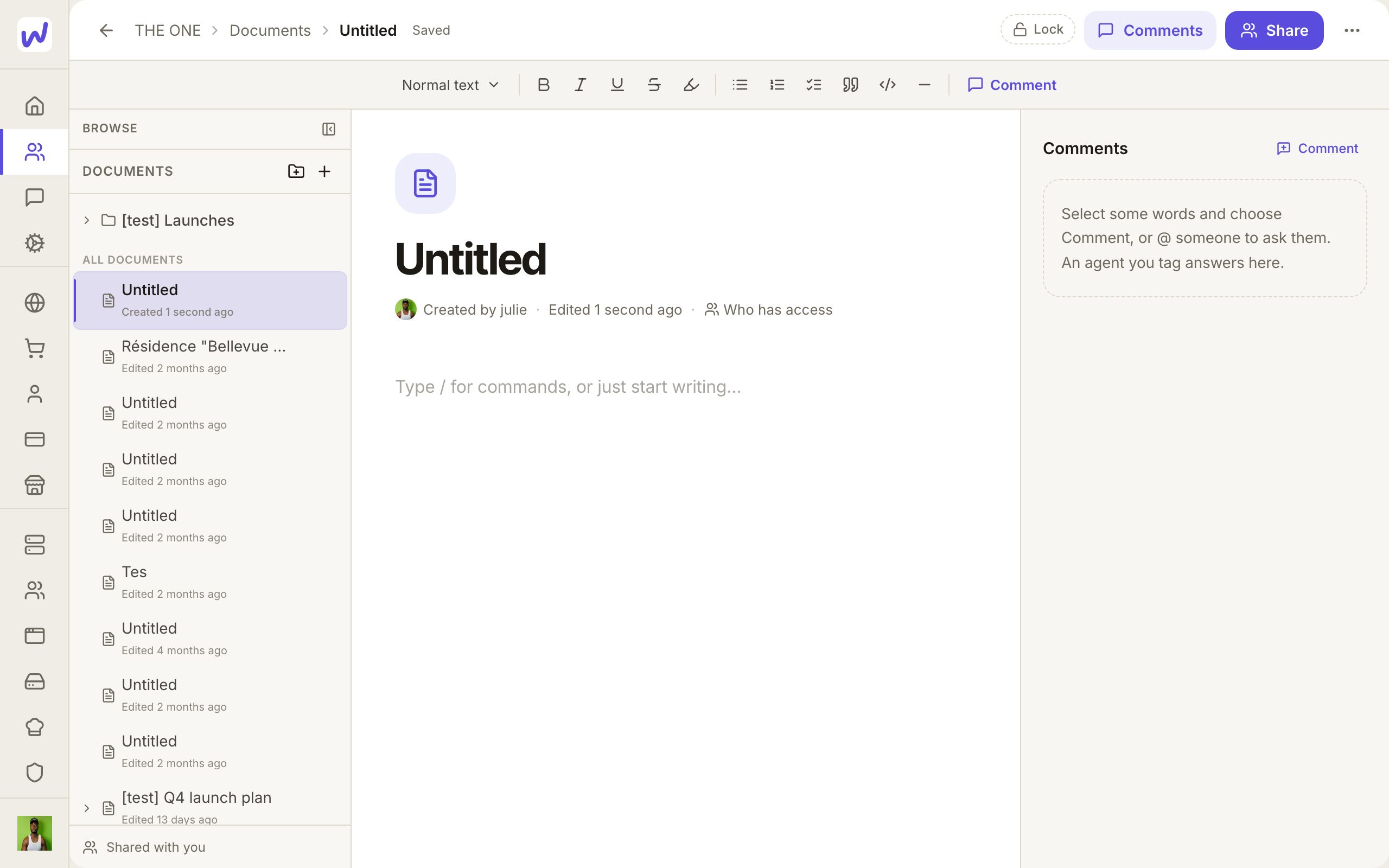
Write
Share
Add people
Send
Assets
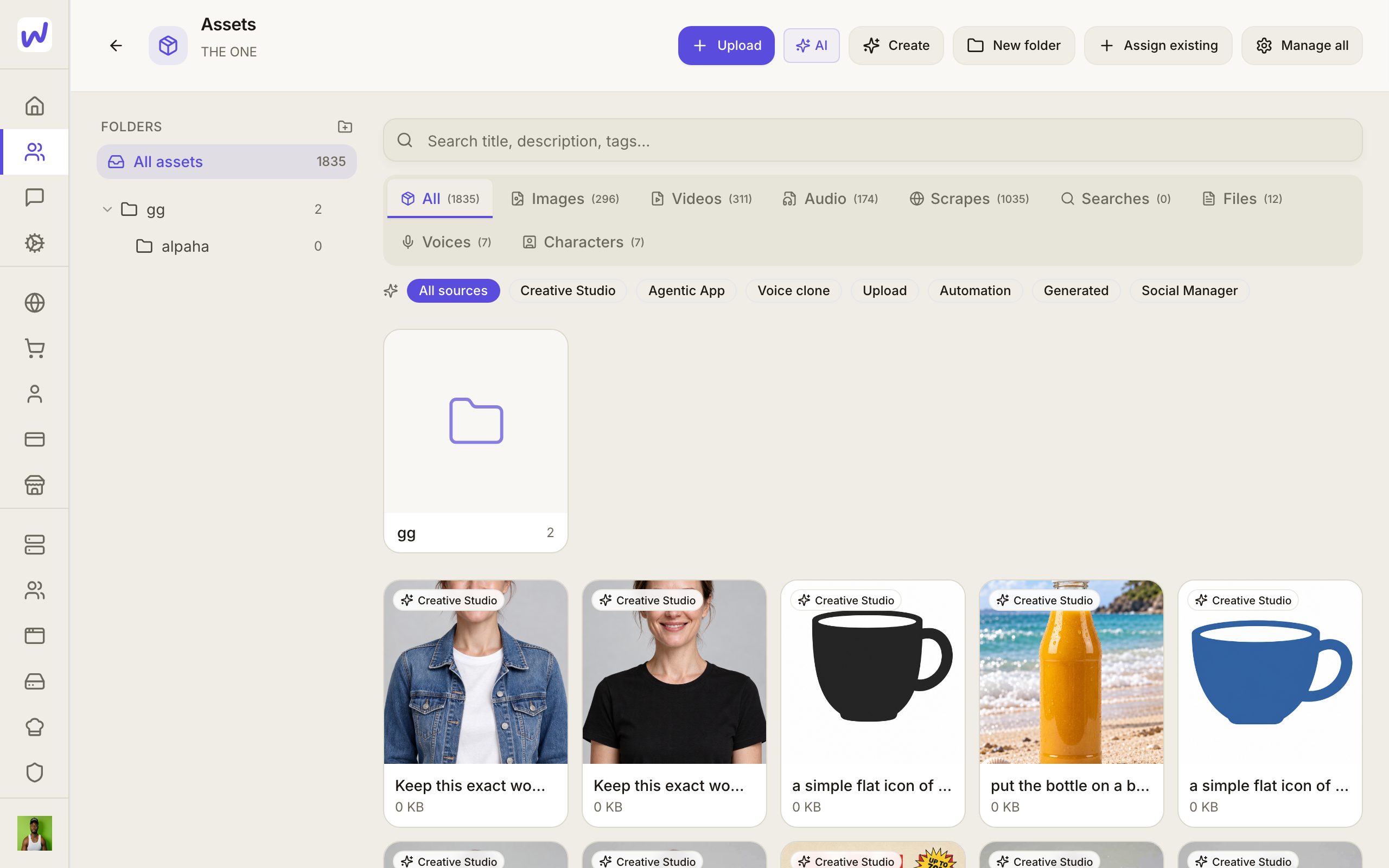
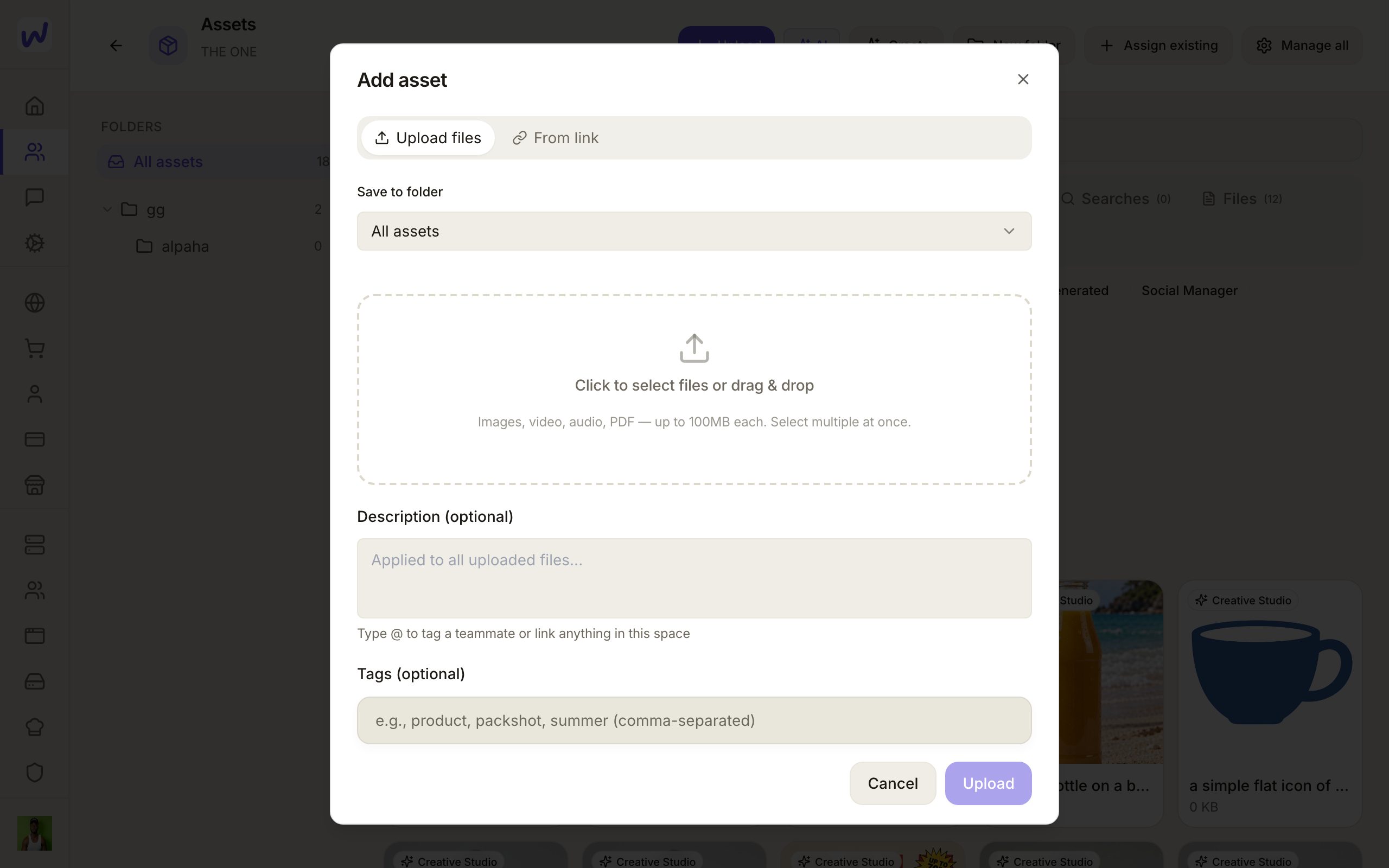
Uploading. In Assets, press Upload, choose a folder, and pick or drag in your files. Files your agents create, such as generated images, land here too.
One folder tree for the space. Folders in Assets belong to the space, so everyone in it sees the same tree. Anyone in the space can add, rename, nest and file into folders. Subfolders show as cards above the files. All assets shows everything, and a search looks through every folder. Drag a file onto a folder to move it, or use Move in the file's details.
Deleting a folder never deletes a file. Its files and subfolders move up one level.
Files on your pages stay linked. When a page uses a picture or video from Assets, the page points at that file rather than a frozen copy. A change to the file shows on every page that uses it, published pages included. In the page editor, the media list lets you swap a file everywhere it appears on that page at once.
Do it: upload a file
Upload
Pick a folder
Add the files
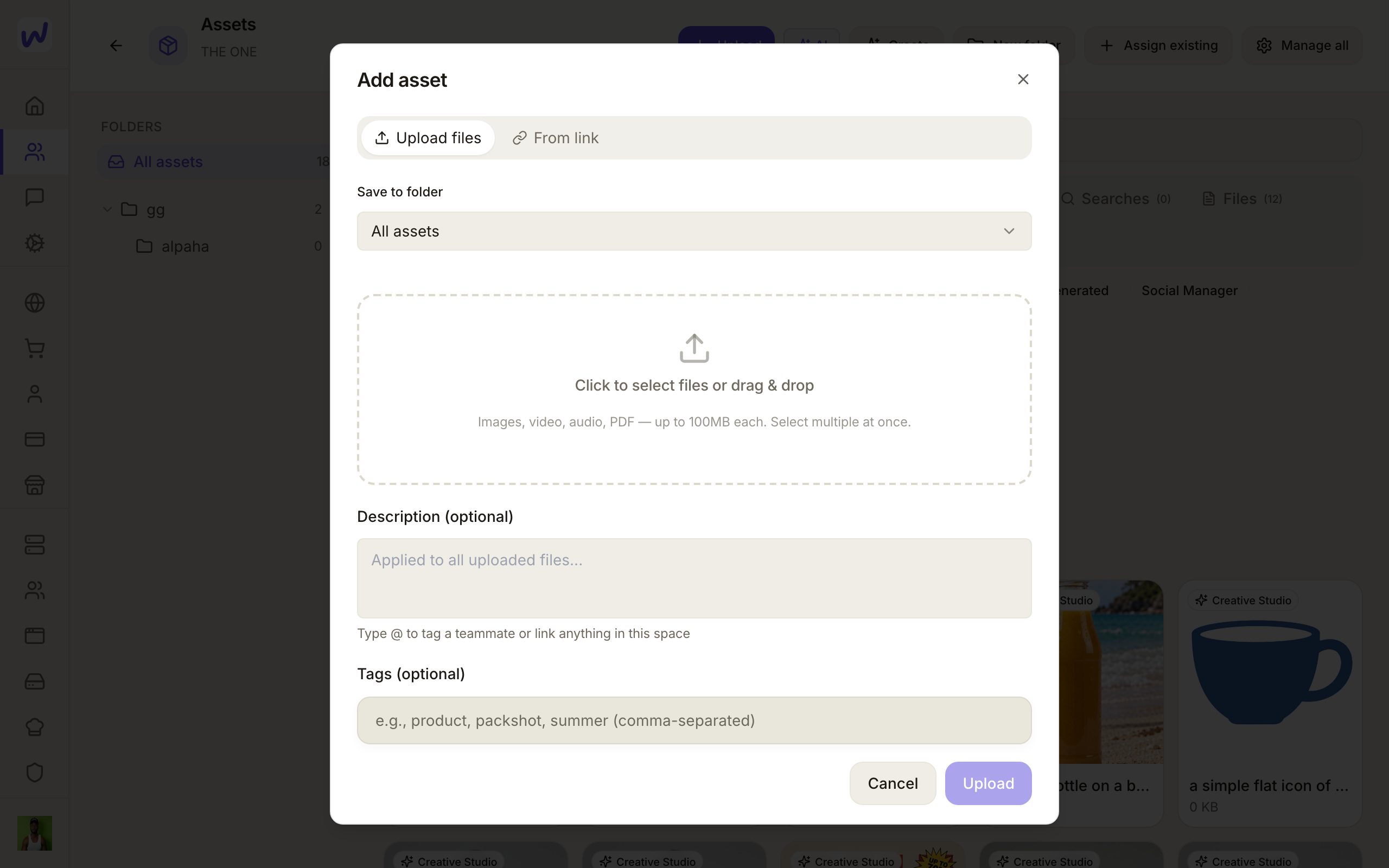
Finish
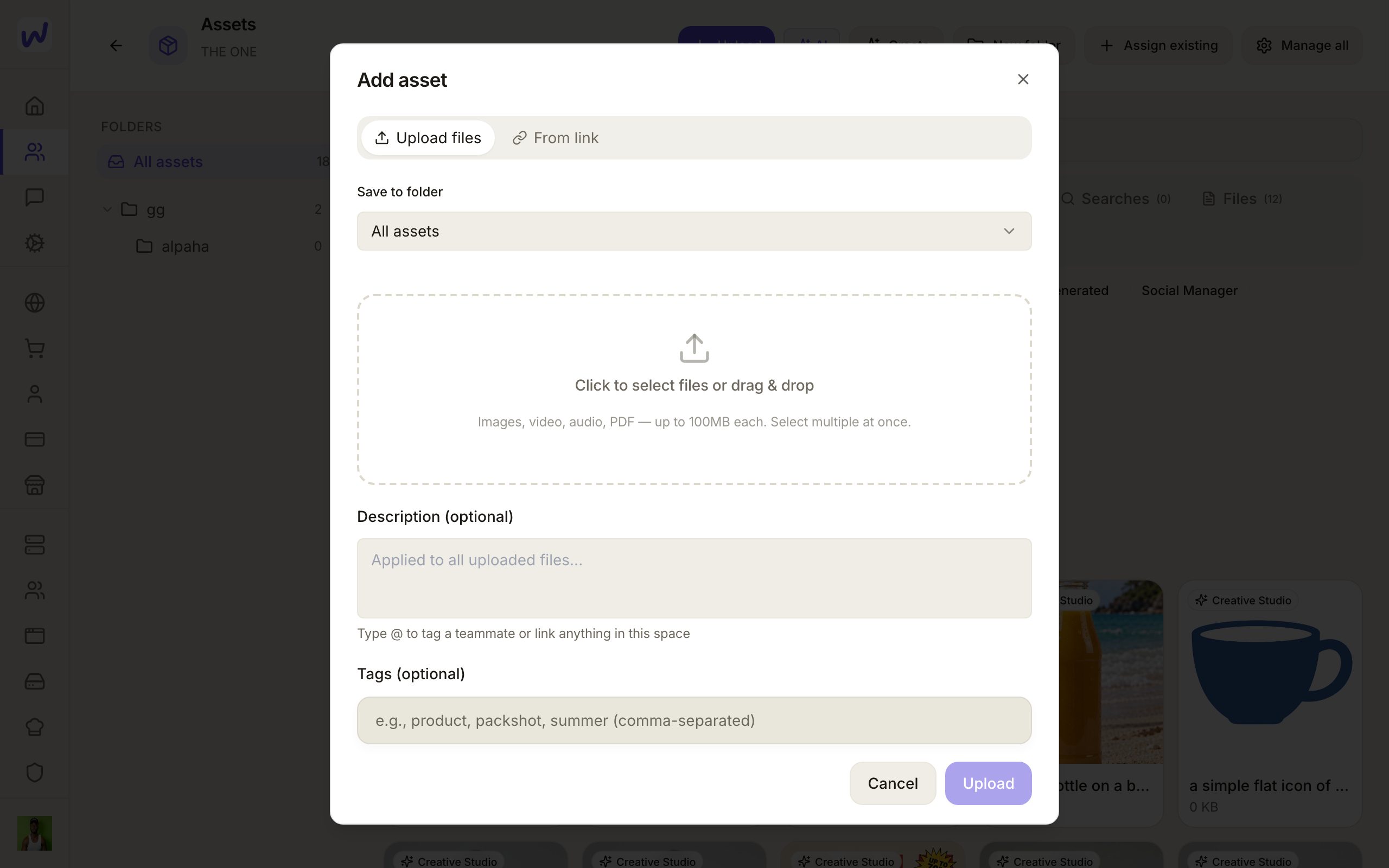
Storage
Files you upload count toward your plan's storage. See Wallet and plans for what each plan includes.
What your agents can do here
Agents read and write documents, comment on words, reply in threads and resolve them. When you tag an agent in a comment, it answers in that thread. An agent can also share a document; that always asks you first in its chat, because it sends an email in your space's name.
In Assets, agents upload files, save files from a link, make and rename folders, and move files between them. An agent with a narrower set of permissions only sees the folders you allow it.
Questions
Related
Automations
Automations do work for you in a Wakato space when something happens, such as making a task when a form is sent or texting a customer when an order ships. You pick what starts it and the steps that follow. Automations are part of every space; steps that send messages or use AI are charged to the space's wallet like any other use.
Finance
Space Finance turns your bank feed and your Wakato Commerce sales into double-entry books that sort and post themselves, with receipts, bills, month end and an accountant pack. It is for small businesses that want clean books without typing in every transaction, and it is part of every space.