Contactseveryone you know, in one list.
Contacts is your space's list of customers, leads and members, filled by hand, by import and automatically from forms, bookings, orders and messages. It keeps tags, audiences for campaigns, each person's email permission and consent history, and lets you erase someone on request.
Contacts is the list of people your business deals with: customers, leads, members, suppliers. Each space has its own. You can add people by hand or import a file, but most contacts arrive on their own: when someone sends a form, books a time, buys from your shop, writes to your shop or joins your community, they become a contact of the space that runs it, without duplicates.
How it works
Finding people
Open Contacts in your space. Search by name, email or phone, filter by tag, and switch between views: List, Kanban (for example grouped by tag), Gallery and Calendar. You can save your own views.
Open a contact to see everything about them in one place: details, tags, notes, activity, the emails and messages you exchanged, and their orders and shop conversations.
Tags
Tags are labels you put on contacts, like "VIP" or "Wholesale". A contact can have several. Tags are used to find people, to group them in a view, to choose who gets an email campaign, and in automations.
Audiences
Press Audiences to manage the groups you send to. An audience is either a list of people you pick, or a filter that matches contacts by their fields and tags, so it updates by itself. The same audience can be used for email campaigns and other outreach.
Capture links
Capture links make a QR code and a short page where someone you meet types their name and email. They land in your contacts, tagged if you chose a tag, and can get an email back from you.
Email permission and consent history
Each contact has an Email permission: May email them, No permission or Not recorded. Its Consent history keeps every change as it happened: a form they signed up on, a confirmation, an import, being added to an audience, an unsubscribe. A newsletter skips people marked No permission, and campaigns will not add them.
When you import contacts, you are asked whether those people agreed to get email from you, and the answer is saved in their history.
Erase on request
When someone asks to be forgotten, an owner or admin of the space opens their contact and presses Erase…. The window shows what goes and what stays before anything happens:
- What goes: their contact and consent history, their email, form answers, bookings, notes and what agents remember about them.
- What stays: orders and payments, if any, no longer linked to their name, and their address kept as a one-way code so nobody emails them again by mistake.
You can Download their data first to send them a copy. A record of the erasure, with when, by whom and why but never their name, is kept in Space Settings → Privacy. Nothing brings an erased contact back.
Do it
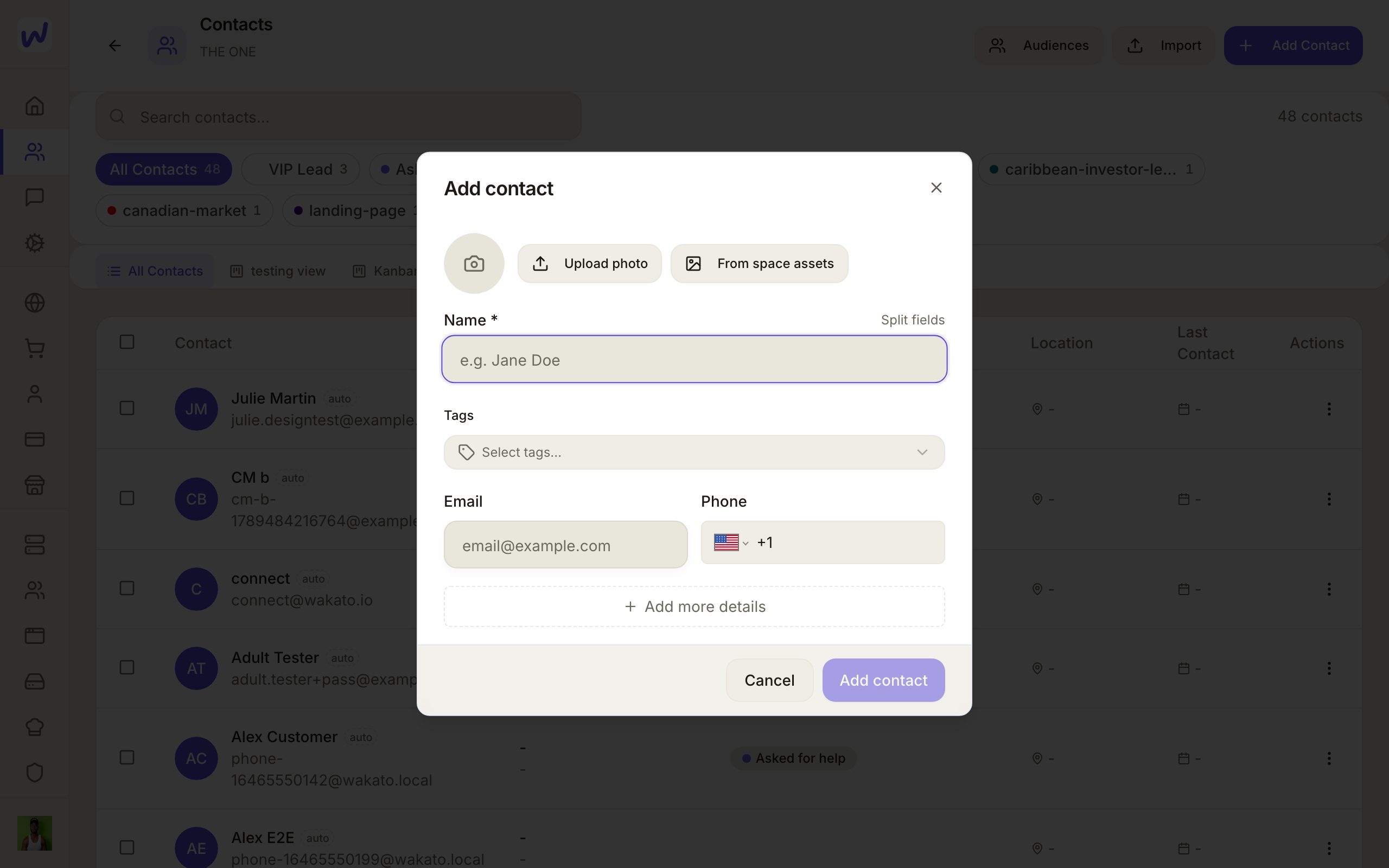
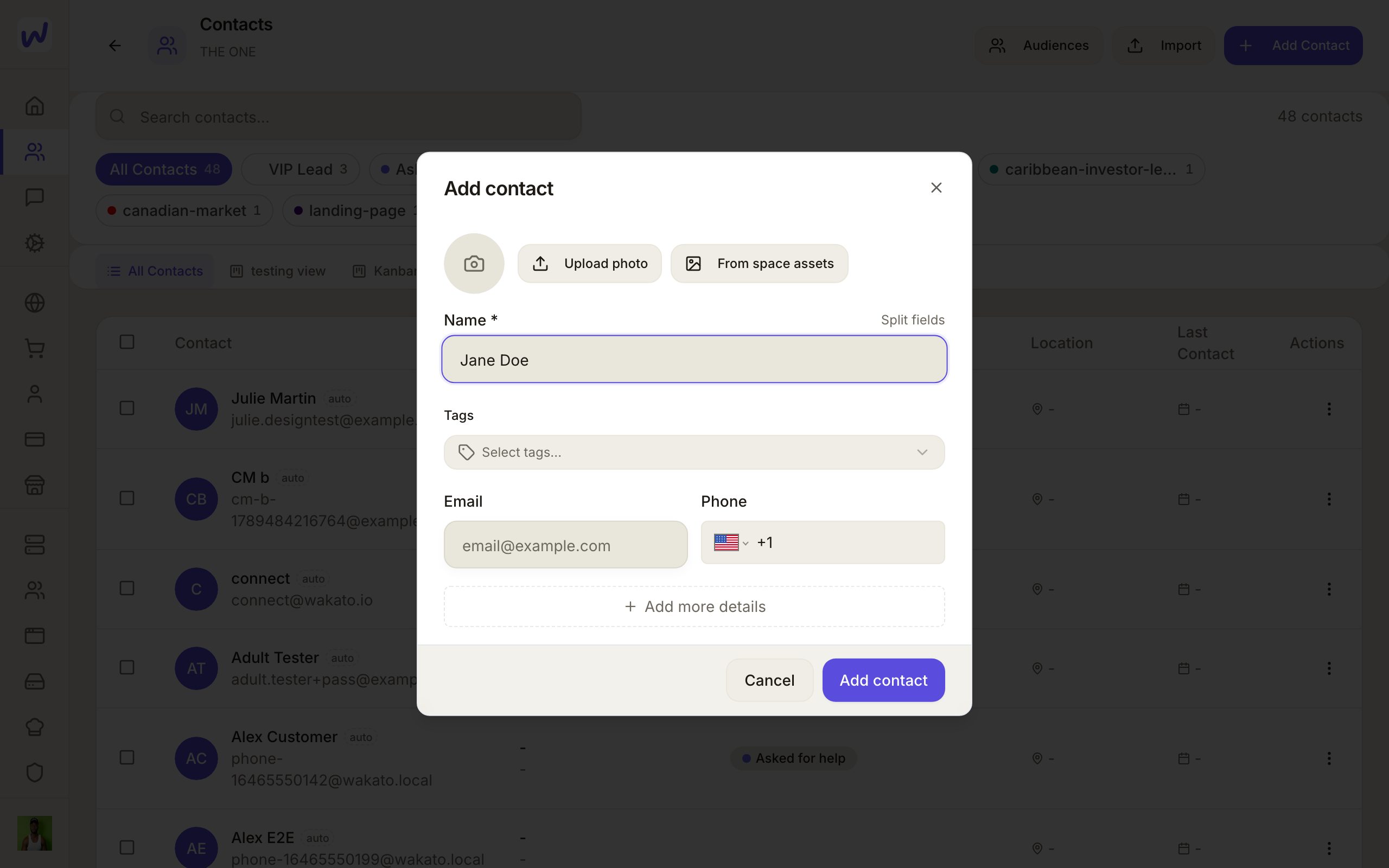
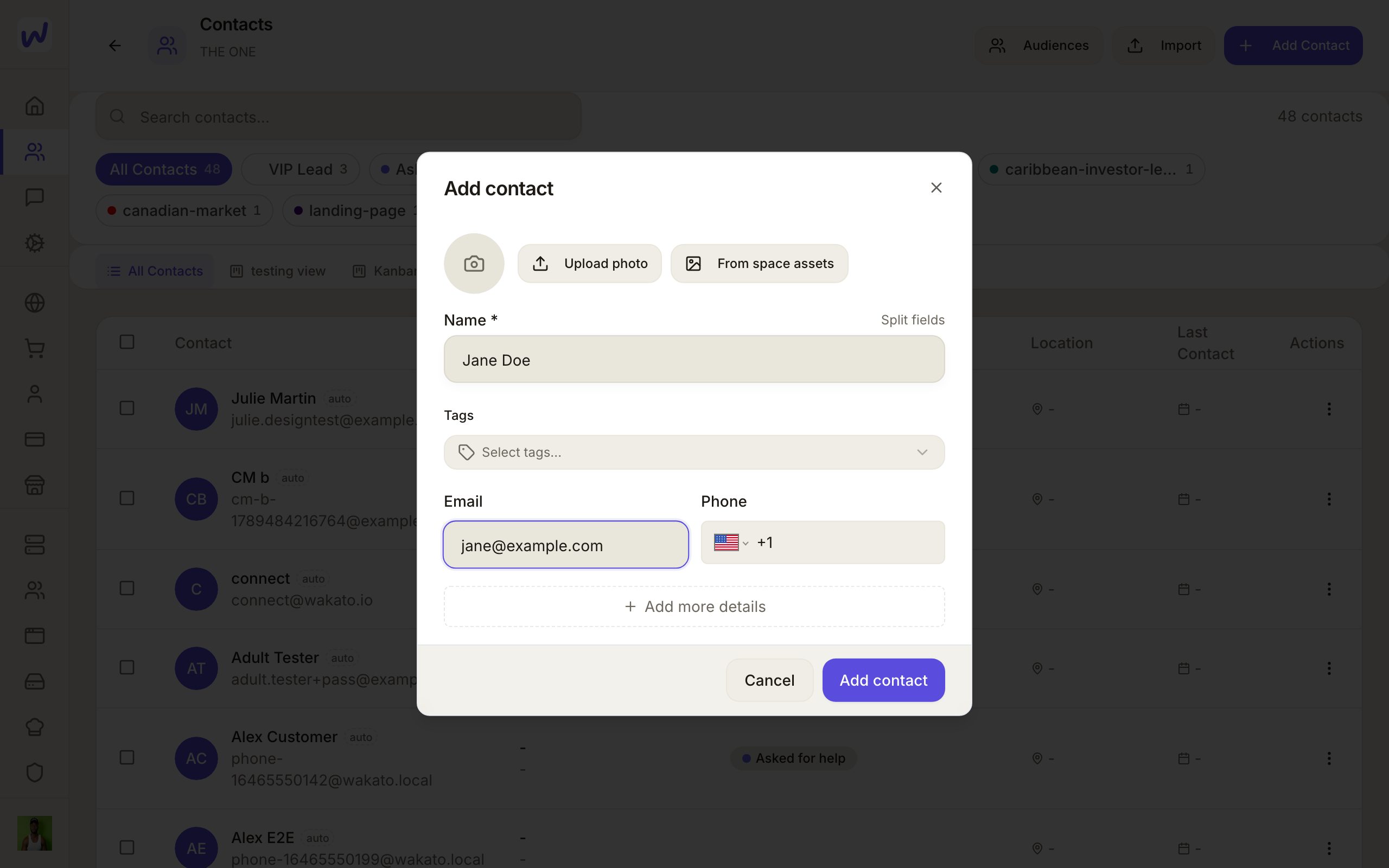
Prefer to watch?“Add a contact”: watch it, or click through the steps yourself.Press Add
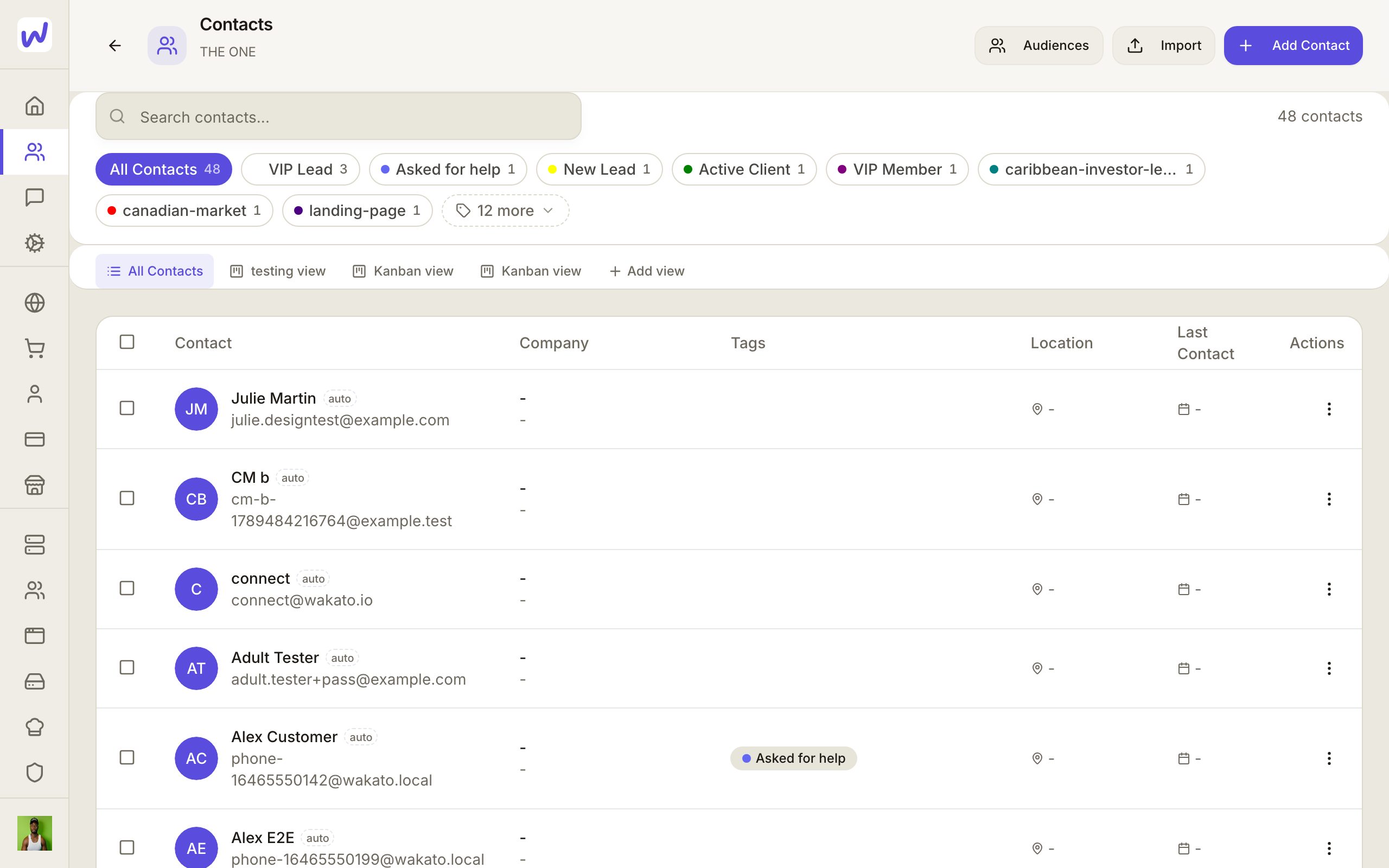
Type their name
Add their email or phone
Tag them
Save
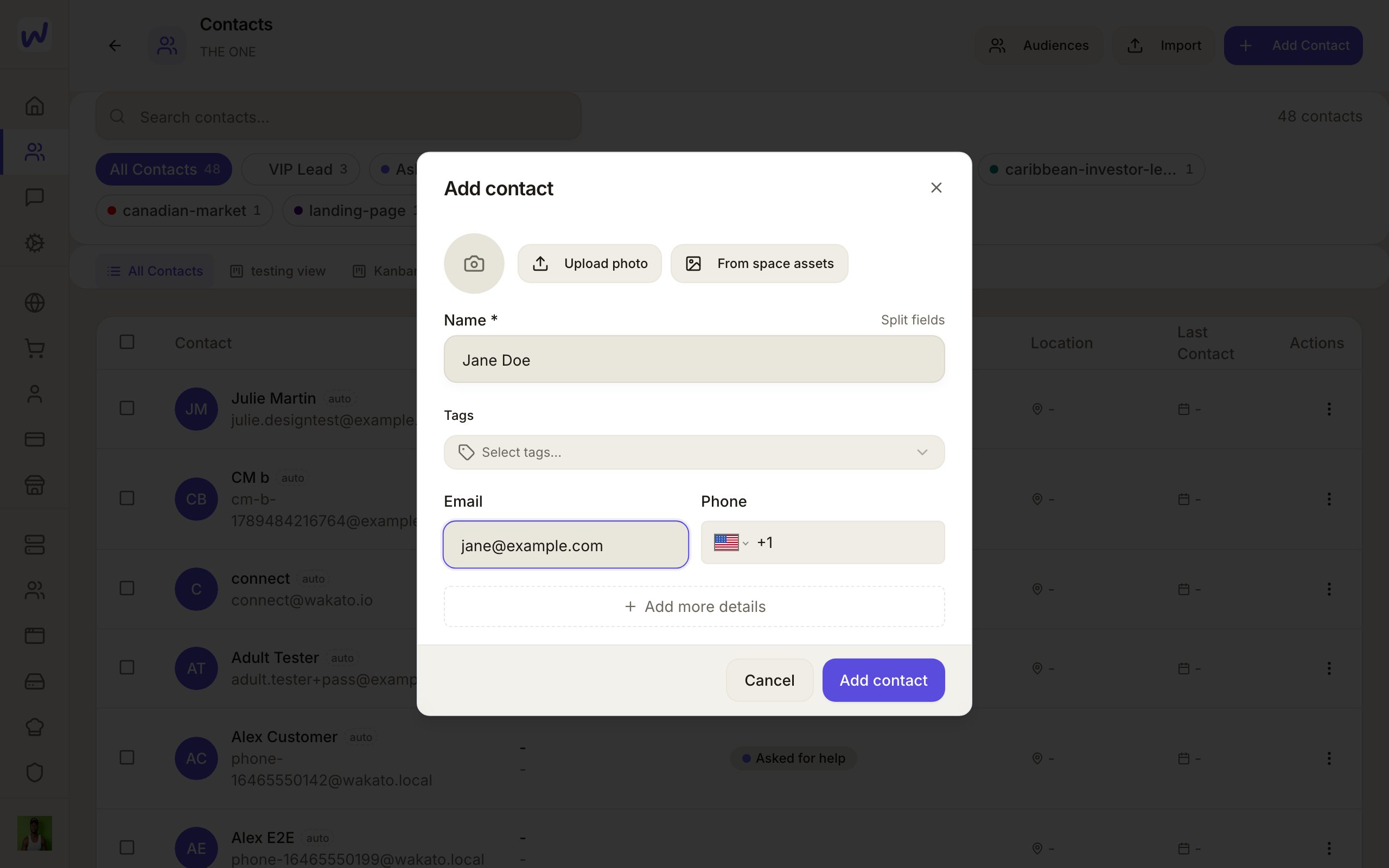
To bring in many at once, press Import and follow the steps to load a file.
Only the people who run the space can erase
Erasing is for owners and admins of the space. It cannot be undone. Agents may erase a contact only with your approval, asked in their chat every time.
What your agents can do here
An agent can find, add and update contacts, tag them, add notes, build audiences (lists or filters), import a list of leads (matched by email, so nobody is added twice), set someone's email permission with a note of where it came from, read their consent history and export their data. Erasing a contact always asks you first.
Questions
Related
Messages and calls
Messages is where you chat with people and agents on Wakato, in one-to-one chats, groups and threads, with voice and video calls built in. Chats and calls between Wakato users are included; a phone number for calls and texts is bought from your wallet.
Calendar and bookings
Each space has a calendar that can show your Google, Outlook and phone calendars beside its own events, and booking pages where people pick a time with you. You choose which calendars close a time on each booking page, and bookings can be copied onto your Google or Outlook calendar.